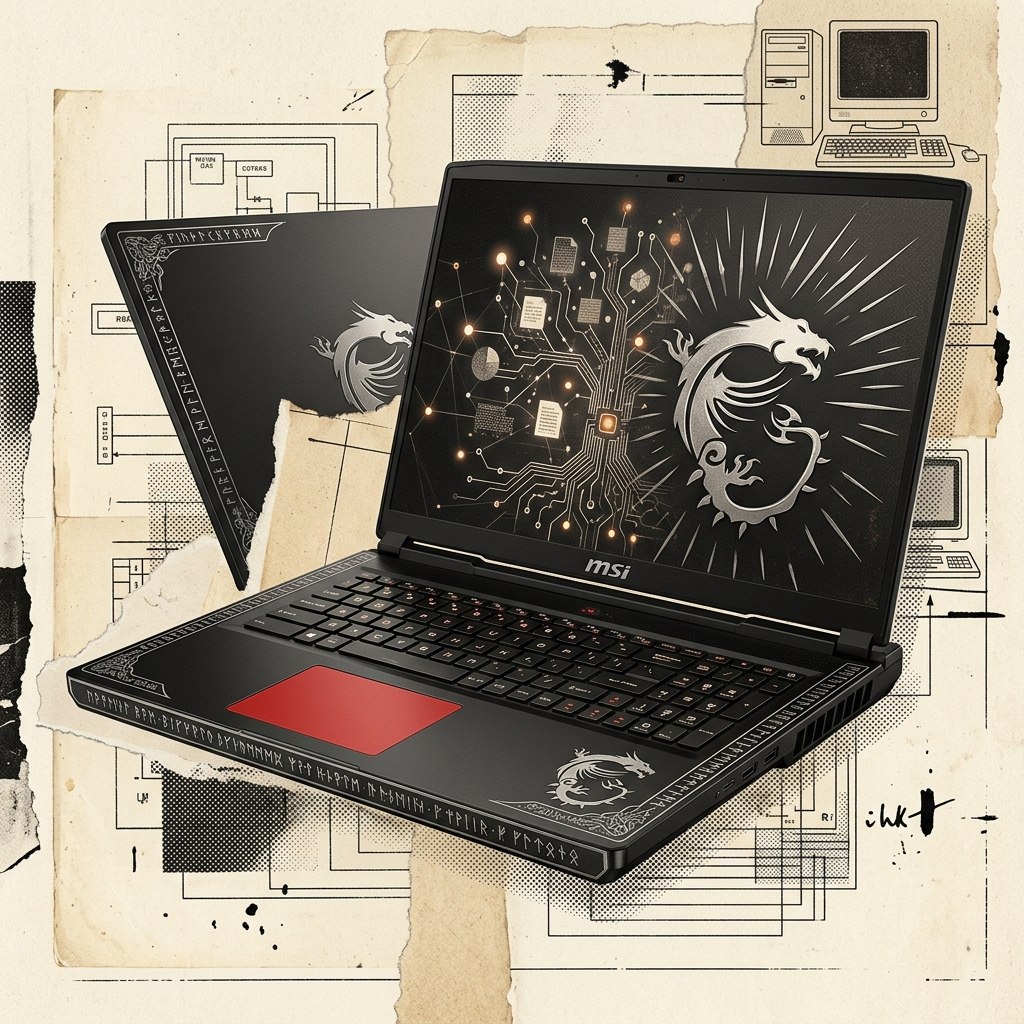
MSI Titan 18 HX Dragon Edition Norse Myth AI Review: Can It Run Advanced AI Workloads Locally?
Watch the MSI Titan 18 HX run Qwen3.8-Flash-Next locally:
At the forefront of the AI race, Anthropic, OpenAI, and the other big players have been all over mainstream news for a couple of years now. As of August 2026, many people are comparing GPT Sol to Fable and sharing the latest attempts to one-shot a GTA clone. However, there is another race going on that gets much less attention, led by some lesser-known AI companies. Open-weight mixture-of-experts models such as Qwen have improved dramatically in capability, efficiency, and general usefulness. As they become more efficient, running them on consumer-grade hardware becomes more feasible.
MSI recently sent us one of its Titan laptops to experiment with, and we had one main question: Can you really run a useful LLM on a laptop?
The quick answer is yes, and the experience was much better than we expected. As a slightly cheesy example, here is a playable Three.js game that the local model one-shotted as a single HTML file: Press start
The Titan Is More Workstation Than Gaming Laptop
Okay, so we mentioned that it is becoming feasible to run local models on consumer hardware. It is getting there, but this particular laptop from MSI is not your standard student laptop. It does not even really qualify as a high-end gaming laptop. It is closer to a chunk of the supercomputer hardware you might rent from Vast.ai or Lambda, except that it comes with a keyboard and an enormous screen.
96 GB of RAM Makes Local Qwen Possible
The laptop has an Intel Core Ultra 9 285HX and an RTX 5090 Laptop GPU. Most importantly for this use case, it also has 96 GB of DDR5 RAM. The main specifications are:
| Component | Specification |
|---|---|
| CPU | Intel Core Ultra 9 285HX |
| GPU | NVIDIA GeForce RTX 5090 Laptop GPU with 24 GB GDDR7 VRAM |
| Memory | 96 GB DDR5-6400 RAM |
| Display | 18-inch 3840 × 2400 Mini LED, 120 Hz |
| Storage | 2 TB PCIe Gen5 SSD plus 4 TB PCIe Gen4 SSD |
The 24 GB of VRAM is great, but the unusually large pool of system RAM is what makes this machine interesting for models that cannot fit entirely on the GPU. You can find the complete configuration on the MSI specification page.
The Dragon Edition Fully Commits to the Theme
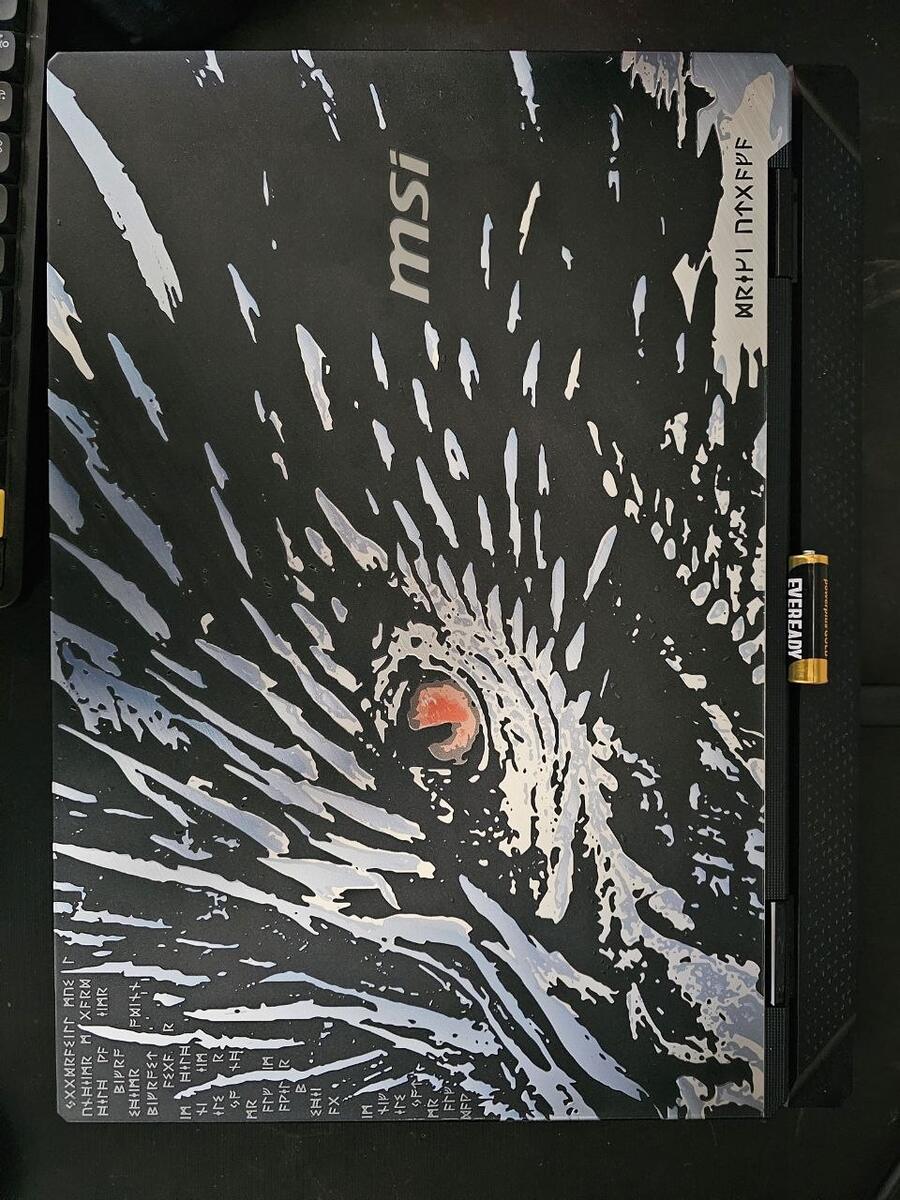
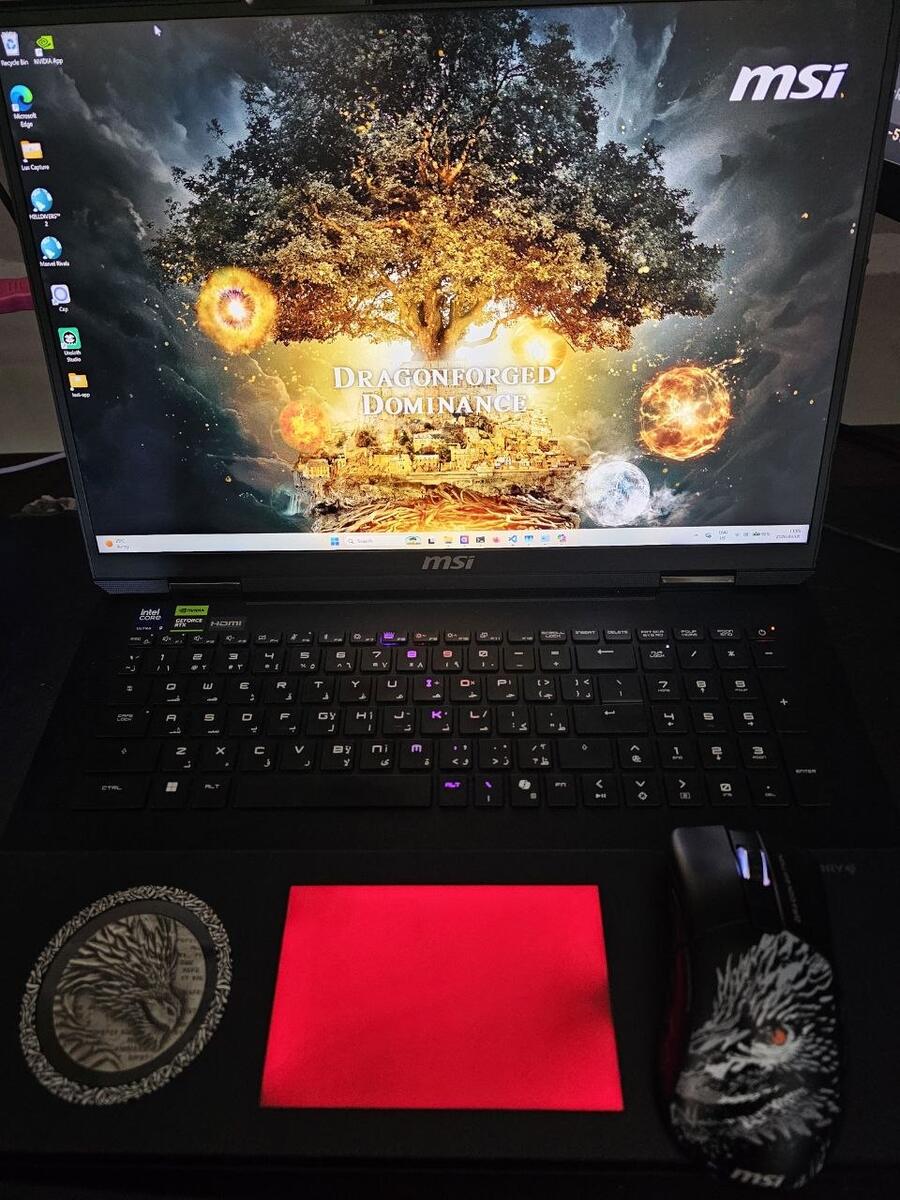
It also looks really cool. With an embossed aluminum top panel, a 4K display, and fancy gamer lights, the Titan looks and feels like a piece of premium technology. Lots of dragons. Battery for scale.
Our package also came with a matching gaming mouse and mouse pad, plus an enormous 400 W charging brick.
A 180-Billion-Parameter Model Fits, but Only at 2 Bits
We originally planned to test several local models on this hardware, but then, with excellent timing, Alibaba's Qwen team released Qwen3.8-Flash-Next. It is an open-weight mixture-of-experts model with 180 billion total parameters, but it activates only a small fraction of them for each token. That makes it far more practical to run locally than the headline parameter count suggests.
The full-precision model is still far too large for a laptop, so we used Unsloth's 2-bit UD-Q2_K_XL GGUF quantization. The download is about 73.5 GB. At runtime, it used roughly 21 GB of the RTX 5090's VRAM and about 75 GB of system RAM, leaving enough headroom for Windows, our agent harness, the monitor, and a browser. The model advertises support for up to 262,144 tokens of context. We tested it with a 32,768-token server allocation, but we did not establish that as the laptop's maximum.
We therefore kept the tests focused on this Qwen model and compared it primarily with OpenAI's GPT-5.6 Luna, a cheap and capable cloud model.
Qwen Was Easy to Install but Needed Manual Tuning
Installing the model and getting it running locally mostly required us to follow Unsloth's Qwen3.8-Next guide. The out-of-the-box settings did not provide the best starting point, though: automatic memory fitting initially reduced the context to 8,192 tokens, which hurt performance considerably until we manually raised it.
Loading the 73.5 GB model from cold took 60.1 seconds.
Pi Kept the Local and Cloud Tests Comparable
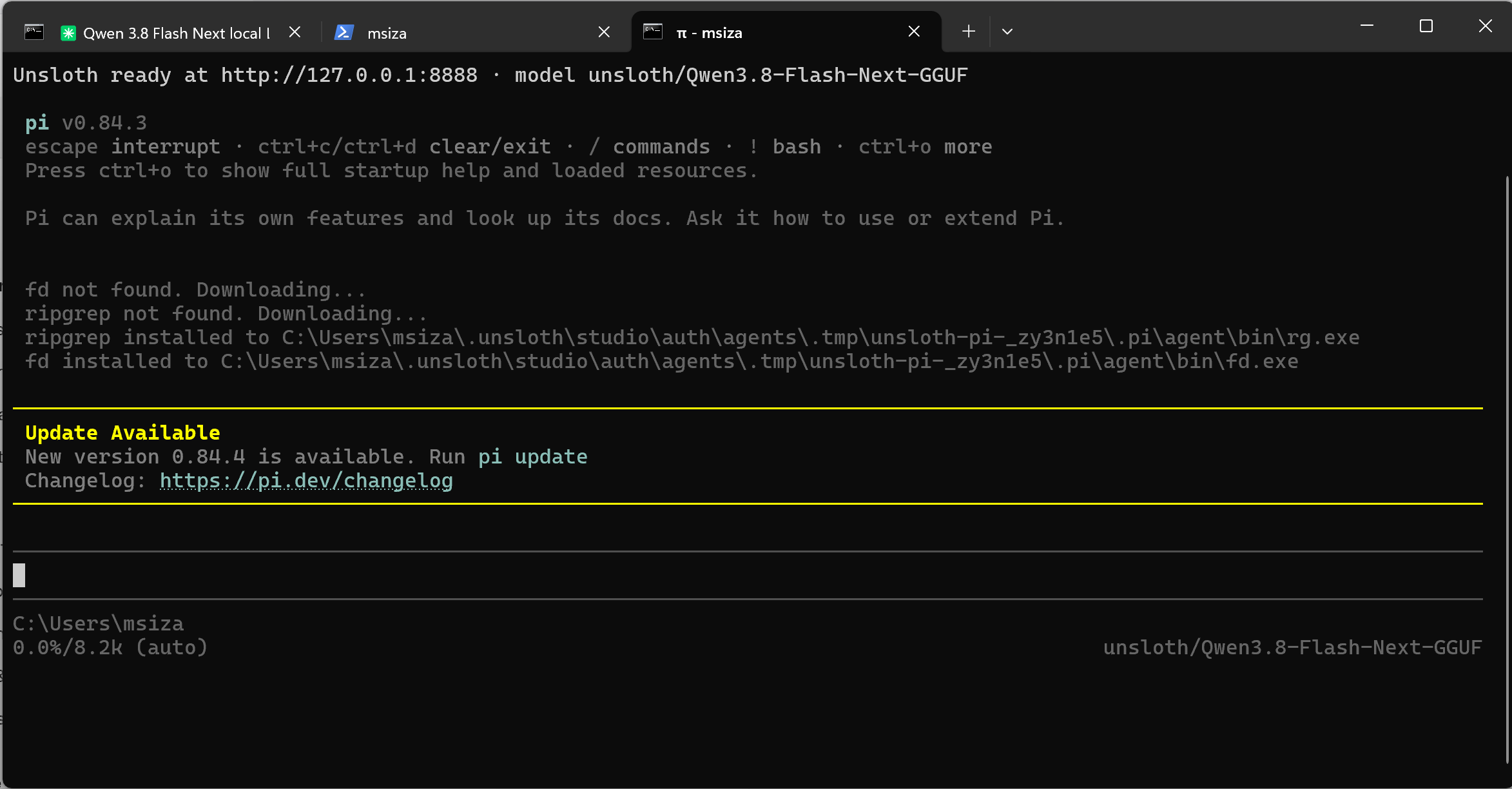
To compare the models easily, and because we generally like using it, we installed Pi as our agent harness.
This added another layer of configuration, which complicated later troubleshooting. Pi also loads its standard tool definitions into the context before a task begins, which is worth remembering when comparing context use with a direct API call.
MSI Center and Our Dashboard Tracked Hardware and Tokens
The laptop came with MSI Center pre-installed. For every test, we kept the laptop connected to its 400 W charger and selected the Extreme Performance profile under User Scenario. We used the Hardware Monitoring view in MSI Center to watch CPU and GPU load and temperatures, memory use, and other system values while Qwen ran.
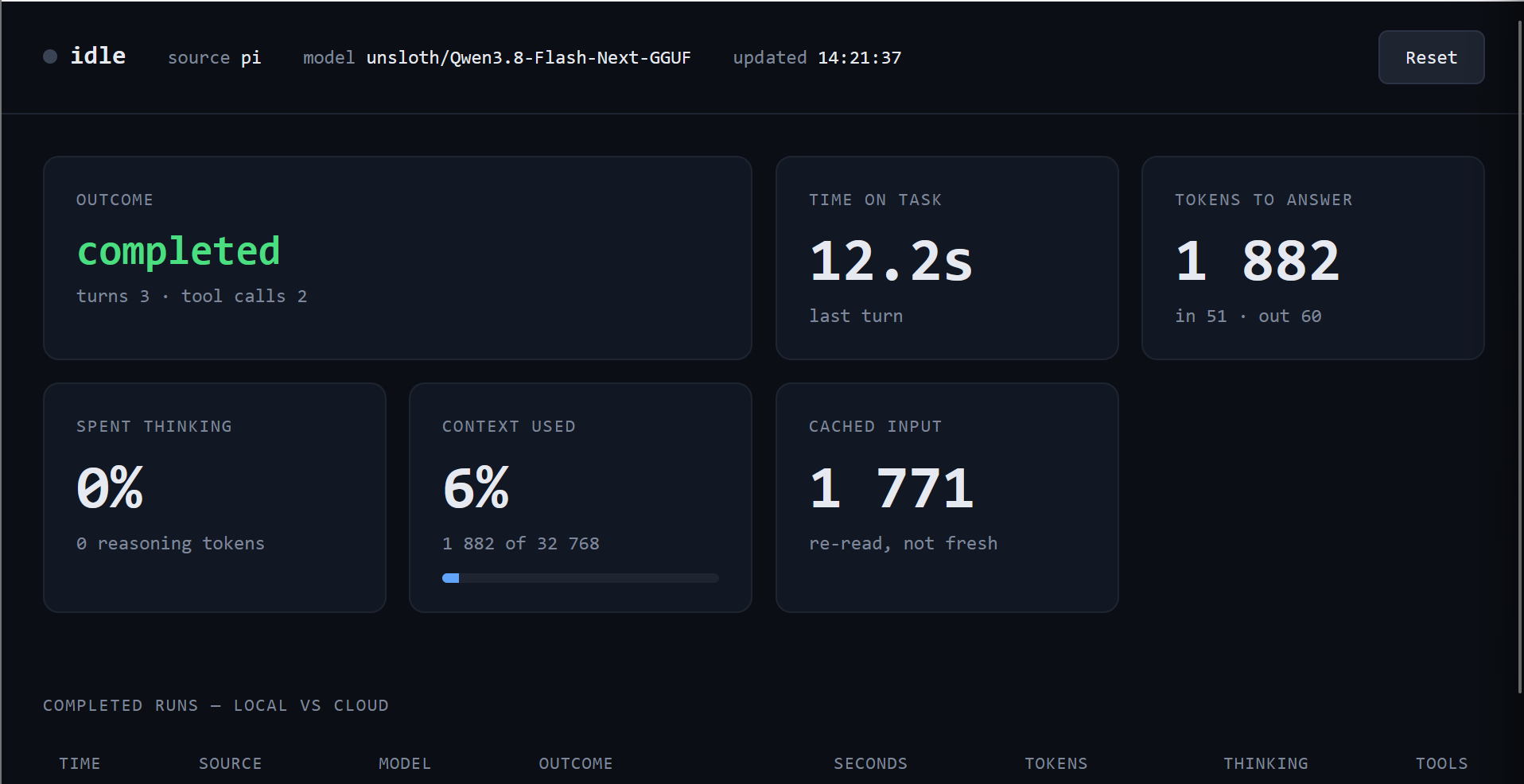
For the model-side measurements, we got Codex to make a small companion app that tails the latest JSONL session from Pi or Codex. It reports the outcome, elapsed time, generated tokens, thinking share, context use, and cache use.
Qwen Overthought the Easy Test, Stayed Cool, and Built the Better Game
We were not trying to produce a leaderboard from a handful of prompts. Instead, we picked tasks that exposed different parts of the experience: how the model uses its thinking budget, what a long agentic task does to the laptop, and whether the final output actually works.
Fibonacci: Qwen Did Nine Times More Work Than Necessary
We started with the smallest possible coding task: "Write me Fibonacci in Python and save it to a file."
The clip below shows the local run in progress. MSI Center tracks CPU and GPU load in the top left, our companion dashboard tracks time, tokens, and context below it, and Pi shows Qwen's work on the right.
With its thinking budget turned up, Qwen produced four implementations, including an O(log n) fast-doubling version. It also added command-line arguments, type hints, validation, and tests, and used four tool calls. The result took 71 seconds and generated 1,647 output tokens.
Luna took eight seconds, generated 177 output tokens, and wrote a basic 12-line function. Qwen's work was better, but for this prompt it was comically over-engineered. Separate direct benchmarks put Qwen's dependable generation rate between 26 and 33 tokens per second. Raw speed was not the problem here; it decided to do about nine times as much work.
That gave us a useful early lesson: a large thinking budget is not free intelligence. We switched thinking off for the remaining tests, and Qwen became much more direct without a noticeable drop in the quality of the results.
Pelican: 89 GB of RAM and No Thermal Throttling
The next test came from Simon Willison's Qwen3.8-Flash-Next write-up: create an SVG of a pelican riding a bicycle. Our early results were highly variable. Sometimes the model put real effort into the illustration; sometimes it did the least it could possibly get away with.

To make the comparison less dependent on how ambitious either model happened to feel, we added the word "detailed" to the prompt and ran it again with Qwen and Luna. Qwen is on the left below, and Luna is on the right. Both produced a recognizable, fairly detailed pelican on a bicycle, and Qwen's version looks substantially better.

During the local run, system RAM peaked at about 89 GB, and VRAM stayed near 21.8 GB. The GPU peaked at 69°C and roughly 111 W. In a separate eight-minute sustained run, it again topped out at 69°C, averaged 63.7°C, and reached a brief 213.5 W power peak without thermal throttling or an upward temperature trend.
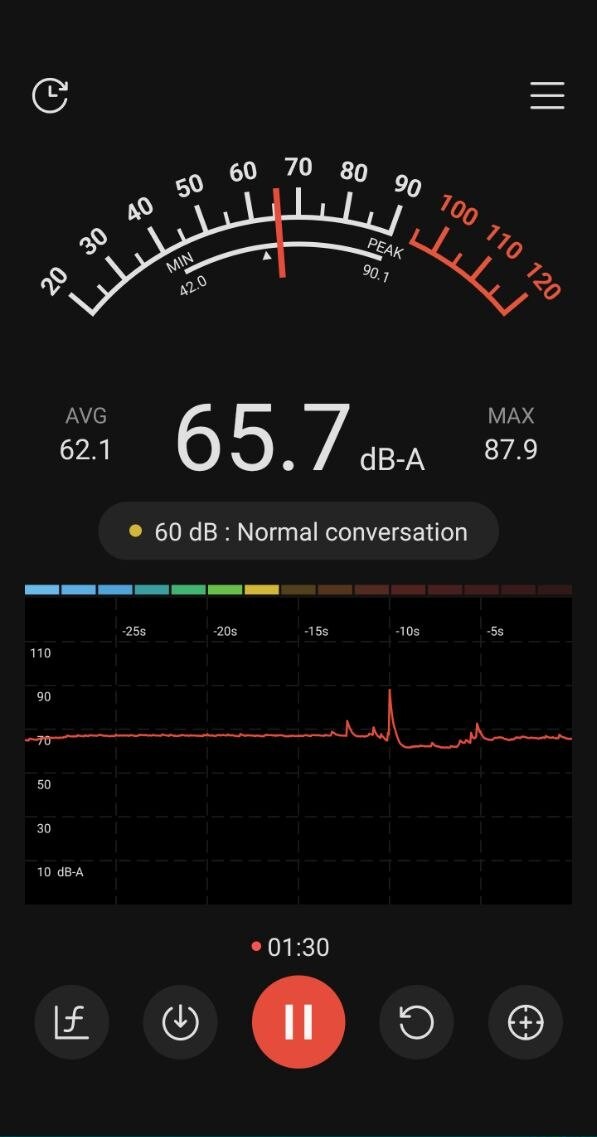
The fans are not subtle. In one 90-second sample near the laptop, a phone sound meter averaged 62.1 dB-A and showed 65.7 dB-A when we took the screenshot. This is not a calibrated lab measurement, but it accurately captures the experience: under sustained load, the Titan sounds like it is moving a lot of air.
While watching MSI Center, we saw the CPU temperature peak at about 89°C. When the job finished, it quickly dropped to its idle range of about 45°C to 50°C.
In other words, the model pushed the memory and cooling system hard, but we did not hit a practical hardware limit. The laptop shed heat quickly, remained responsive throughout the run, and never throttled or crashed.
Three.js: Qwen Was Slower but Built the Only Playable Game
For the final test, we asked both agents to make a three-lane endless runner in Three.js as a single HTML file. The prompt specified 21 requirements, including jumping, lane changes, obstacles, collisions, scoring, and restarting.
Qwen took five minutes and 36 seconds, used 18 tool calls, and generated 9,266 output tokens. Luna took one minute and 37 seconds, used six tool calls, and generated 4,314 output tokens. However, Luna's attempt was vastly inferior.
Although the score increased and the obstacles moved, the player was invisible because the camera framing placed it below the viewport. It also looked much more amateurish than Qwen's attempt and showed little ambition in its visuals. This is exactly why we care more about the output than a benchmark score.
The short clips below show the two results side by side.
Qwen: slower, but playable
Luna: faster, but where is the player?
The local model took more time and used more tokens, but it also produced the better result.
Local AI Is a Great Bonus, Not a Business Case
The exact configuration we tested, with 96 GB of RAM, an RTX 5090, and 6 TB of storage, has been listed for about $6,200. Prices and availability vary, but that gives us a reasonable figure for a rough comparison. If the only goal is to avoid an AI bill, the math is brutal.
| Comparison | What $6,200 buys |
|---|---|
| ChatGPT Plus at $20 per month | About 26 years |
| ChatGPT Pro at $200 per month | About 31 months |
| GPT-5.6 Luna output tokens at $1.20 per million | About 5.2 billion tokens |
That token figure is deliberately generous to the laptop. Output is Luna's most expensive token category, so a realistic mix of cheaper input, cached-input, and output tokens would require even more total tokens to reach $6,200. This also ignores the laptop's electricity use and depreciation, and assumes that a local model can replace every feature of the cloud service.
As a purchase dedicated to running local LLMs, the Titan does not make financial sense. But that is not really the strongest case for it. If you already want a very powerful laptop for gaming, rendering, video editing, machine learning, or other heavy workflows, adding a capable, private local LLM to your toolbox is definitely worthwhile. Treat local inference as a valuable bonus, not the reason the machine pays for itself.
FAQ
Can the MSI Titan 18 HX Run Large AI Models Locally?
Yes. We ran a 180-billion-parameter model using a 2-bit quantization, with the weights split between the RTX 5090's VRAM and system RAM. The machine handled it reliably, although the 89 GB RAM peak leaves little room for a larger model, higher-precision weights, or a much larger context allocation.
Which Local AI Workloads Suit the Titan Best?
It makes the most sense for single-user coding agents, rapid prototyping, and generative tasks where local processing, privacy, or avoiding per-token charges matters. It is less compelling as a high-throughput server or a machine shared by several users.
Can It Replace a Desktop AI Workstation or Cloud Platform?
For some single-user workflows, yes, but not completely. It provides workstation-class local inference in a portable package, while a desktop remains easier to upgrade and cloud platforms offer a wider choice of frontier models and scalable compute.