![Is it feasible to self host an open source EU Sovereign productivity suite in 2026? [A Mijn Bureau Review]](/img/articles/mijn-bureau-review/cover.jpg)
Is it feasible to self host an open source EU Sovereign productivity suite in 2026? [A Mijn Bureau Review]

There's been a bunch of recent news about how Europe wants to break away from its dependency on US software and services. But approximately all businesses and governments today run on either Google's software (Google Docs, Workspace, Meet, GCP, etc) or Microsoft (MS Office, Outlook, Teams, Azure, etc). Sometimes you might find Slack or Zoom or other software thrown into the mix but it's nearly always US made, and often US hosted.
I tried to set up and use Mijn Bureau, an initiative from the Dutch Government to allow European businesses to self-host their own productivity software.
It works better than I expected! But I had very low expectations. It's still under very heavy development (I was going to say it doesn't even support email yet, but I see a PR to add that was opened as I was writing this), and I don't think it's ready for production use, but a) it works, and b) the maintainers seem to be keen to collaborate (they merged in few small PRs I made while writing this article!)
The 'productivity suite' landscape in Europe
For the last decade, I've read about European municipalities trying to switch to Linux or Open Office or something and occasionally I come across a European company that is running their email through some Nordic provider that looks like it hasn't changed since 1980, but in reality Google and Microsoft dominate this space.
Three interesting projects I heard about recently, from the German, French and Dutch governments trying to make open source work, are
- Open Desk - Germany
- La Suite - France
- Mijn Bureau - The Netherlands
The French one looks like the best combination of modern and mature although it's still in active development, but you can't just use it. You have to be a government department and then book a demo and go through what I assume is a lot of red tape.
The Dutch one looks the least mature, but also the closest to something you can just use - it's a bunch of helm charts that put existing open source tools behind a Keycloak set up and they actively encourage anyone to use it, modify it, or sell it.
I didn't spend too much time looking into Open Desk (Germany). It looks like it is moving quite slowly and in part already dated.
I decided to go with Mijn Bureau. Research question: Can I run an alternative to Google Workspace and Slack (what we currently use internally at Ritza) and host it all in Europe?
With the help of Claude, I spun up a Hetzner Dedicated server with 64GB RAM, set up K3s, deployed their helm charts, and we spent the next several hours fixing bugs and configuring things until it all kind of worked!
It's both better than I expected and obviously still has a long way to go. Here's what it looks like.
Mijn Bureaublad (portal)
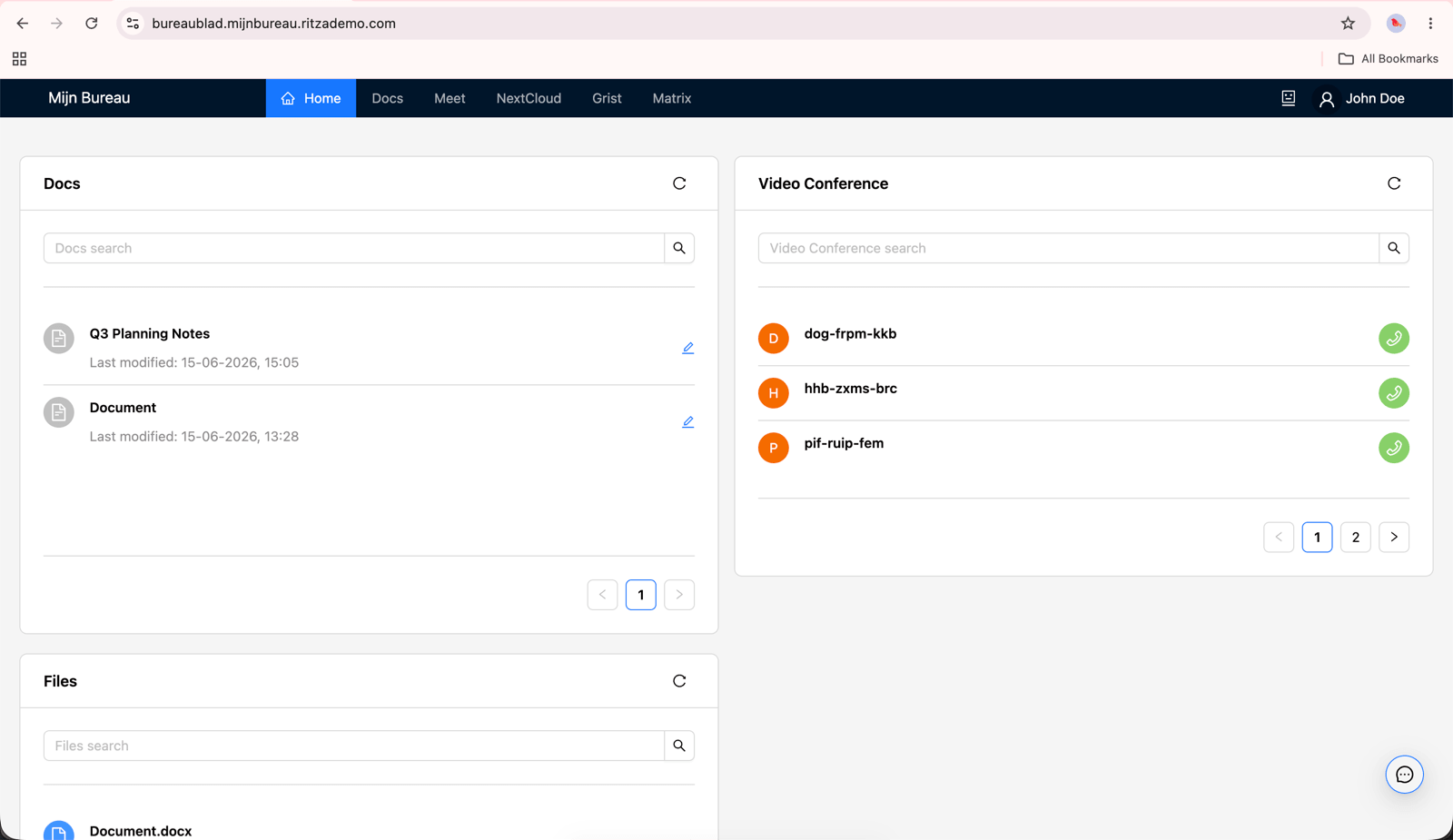
You get a dashboard! It's basically just a header bar with links to the various products and then some widgets that show you your recent meetings in the form of random character strings and documents. Useful? Not really, but it exists and it's the entry point to everything else.
Docs and Grist
I thought these would be my Google Sheets and Google Docs replacements but it turns out they're more like Notion and Airtable - a collaborative wiki/note taking app and a spreadsheet-cross-database. I wasted some time trying to import a complicated .xlsx file to Grist (which is listed in their docs as a spreadsheet tool) and wondering why it looked so bad before realizing I'm using the wrong tool for the job. I didn't try them much yet except to confirm that the basics work as I don't use anything similar regularly.
Docs (a bit like Notion)
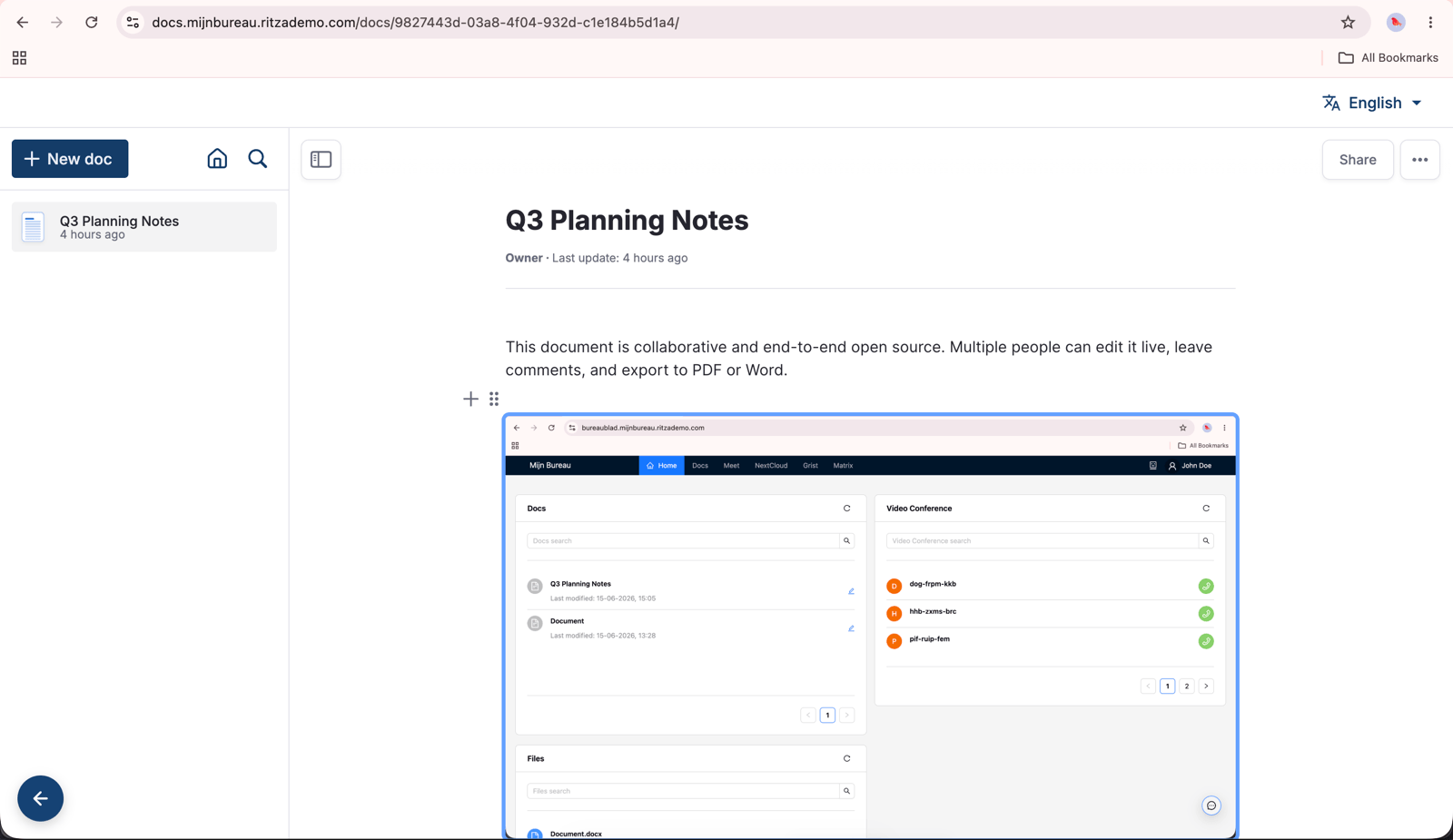
Docs is a collaborative block-based wiki. You can type text, paste images, and move blocks around. Here's a screenshot of the portal inside a note.
Grist (Database/Spreadsheet, think Airtable)
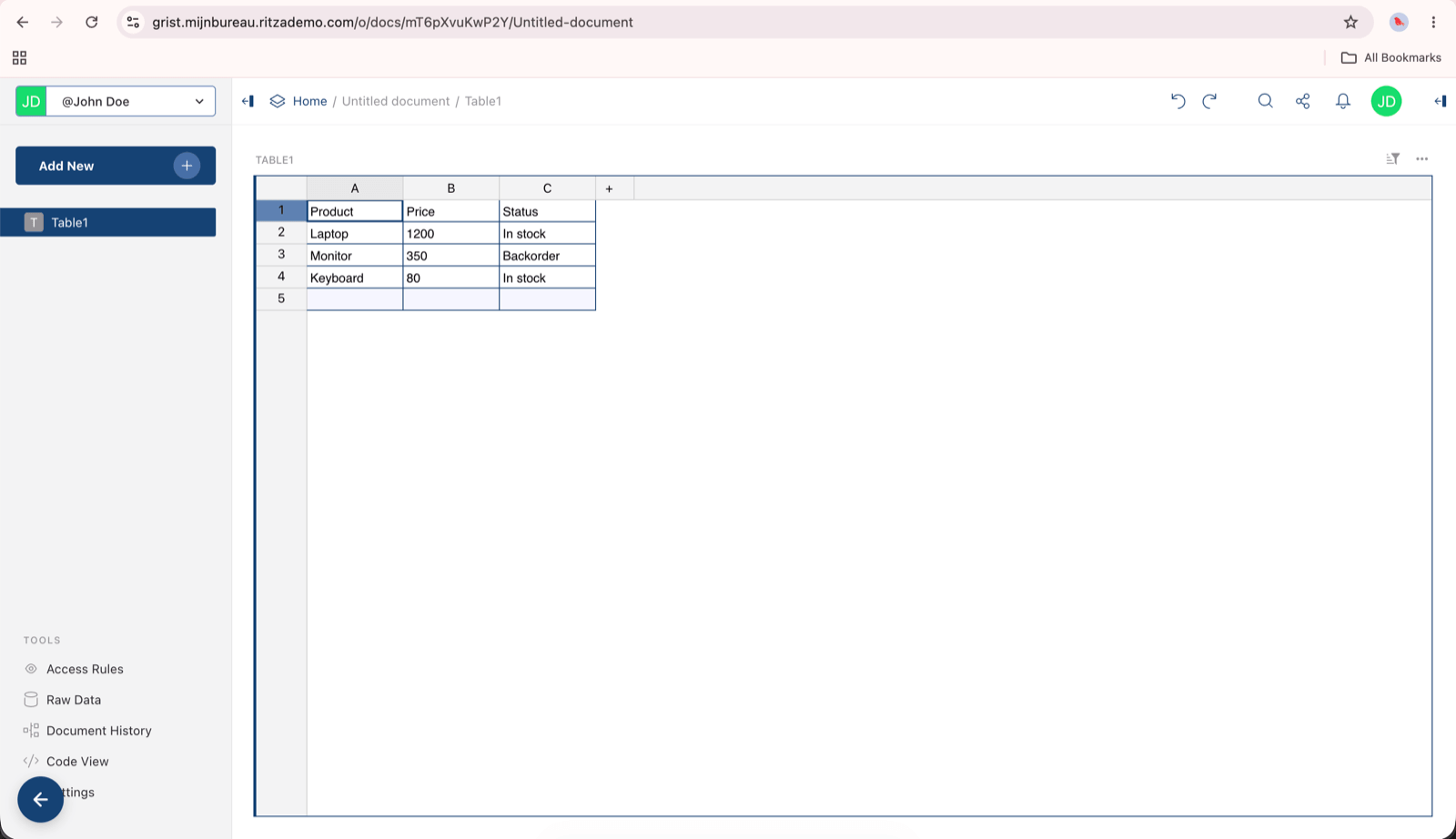
Grist is a little bit compatible with .csv and .xlsx but it's more like Airtable - like a database with a GUI. When I first opened it it had a transparent sidebar but they quickly merged in my PR to fix that so now it looks OK. I still don't really need it but it looks like it works after a bit of configuration to make object storage work as it expects.
Meet (Video calls)
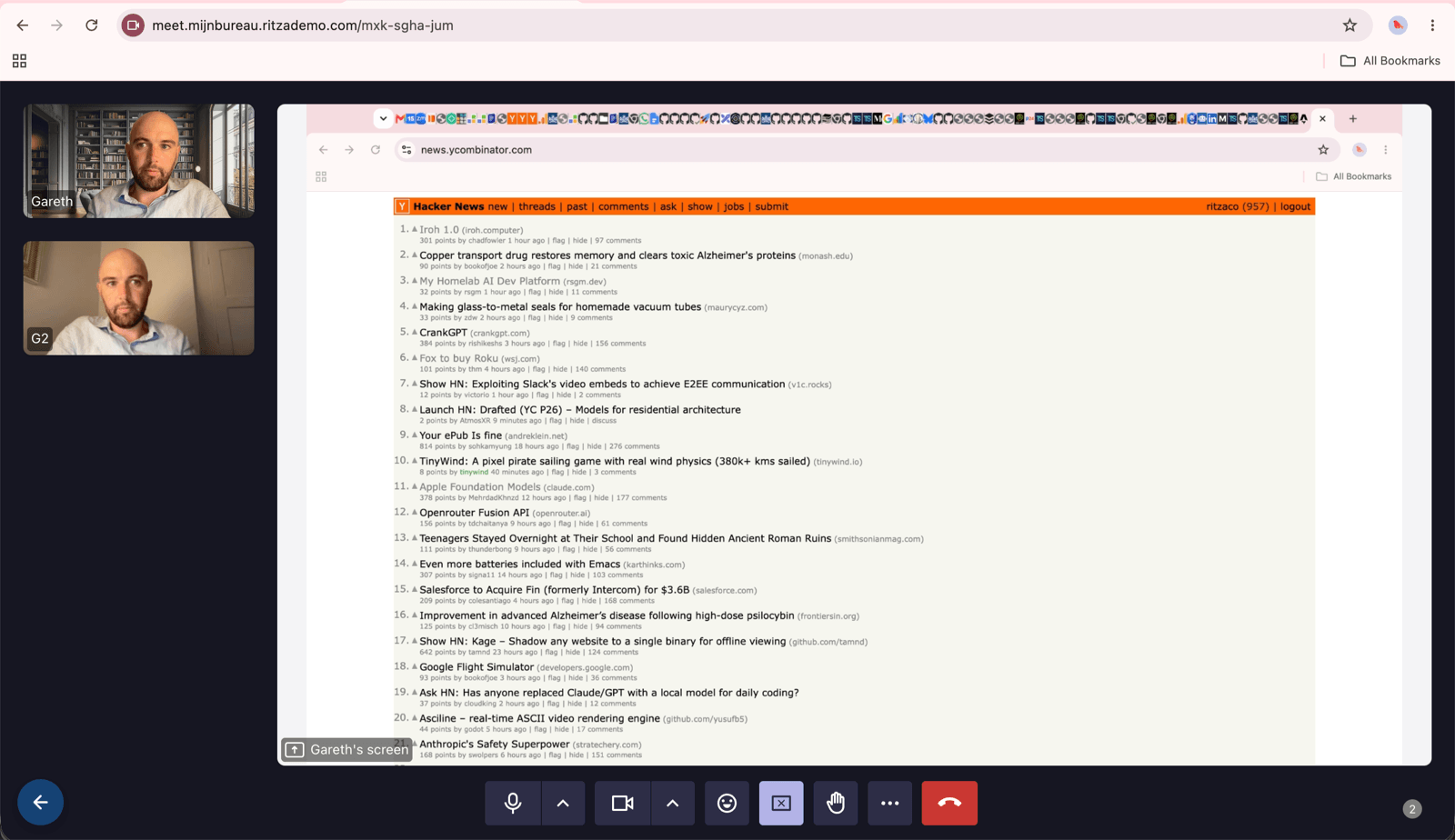
This is the first one I tried out with my team. It works reasonably well and the audio quality was good, but it's not as polished as Google Meet or Zoom. Virtual backgrounds work out the box but with a lot more noise around your outline, kind of like Zoom was a few years ago when everyone was buying portable green screens to put behind their office chairs.
Screensharing and presenting is also a bit buggy, e.g. if you use picture in picture mode (quite a recent feature) and share your screen then others can see themselves twice as the picture-in-picture mode isn't hidden from the presentation as it is in Zoom and Google Meet.
Matrix / Element (Alternative to Slack/MS Teams)
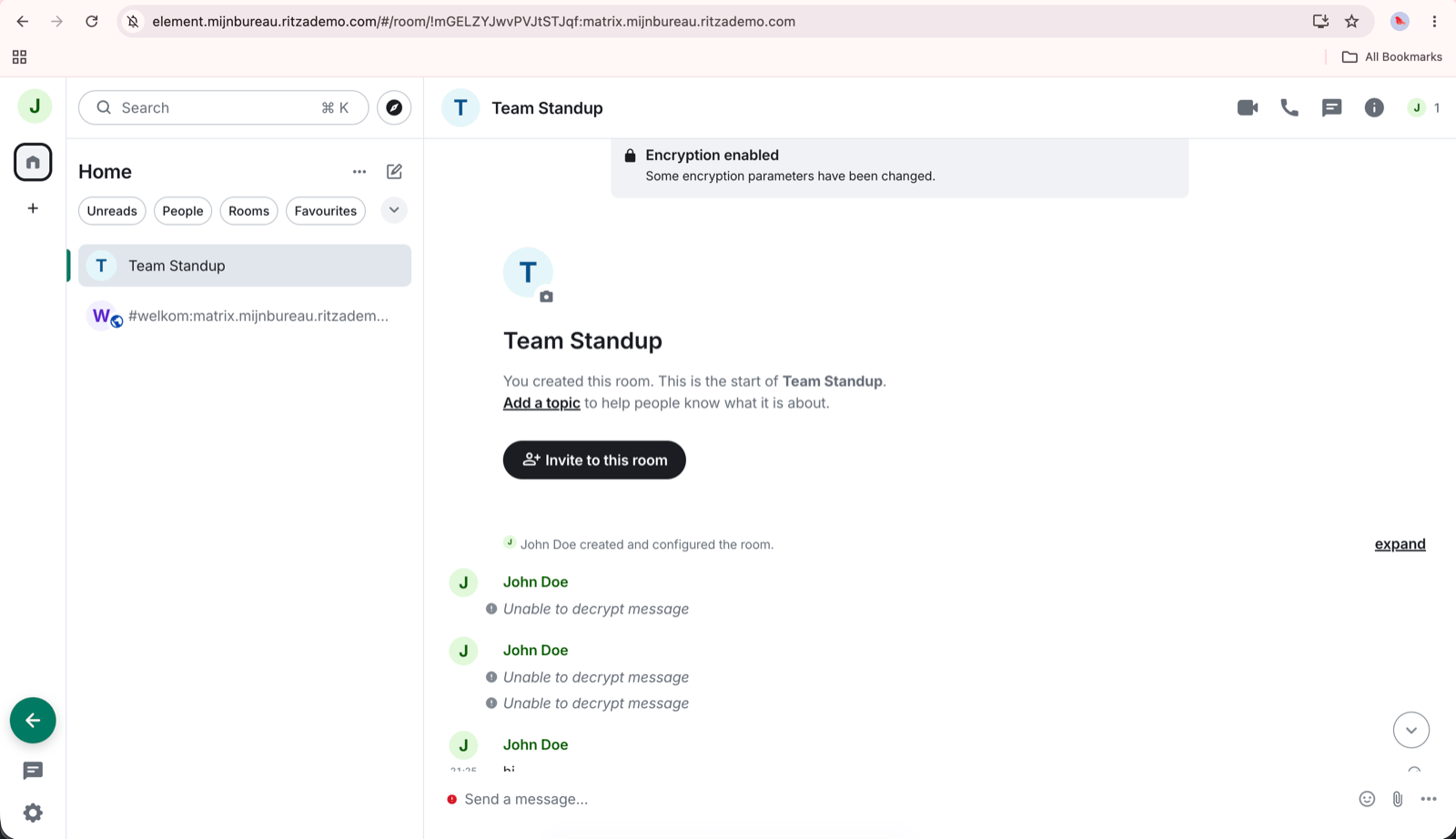
I didn't spend a lot of time with this but I set up Element and Matrix before and it was a lot of work then, so it was nice to have it 'just work', including encryption, image pasting etc. Unlike Slack, everything is encrypted by default which is actually kind of annoying even from someone who likes a bit of tinfoil as it means you have to set up keys everywhere. If you're lazy like me and click through those dialogues without doing what they recommend then you can't decrypt your messages later and you end up with a mess like this.
It seems to work though!
NextCloud (Actual alternative to Google Sheets/ Excel)
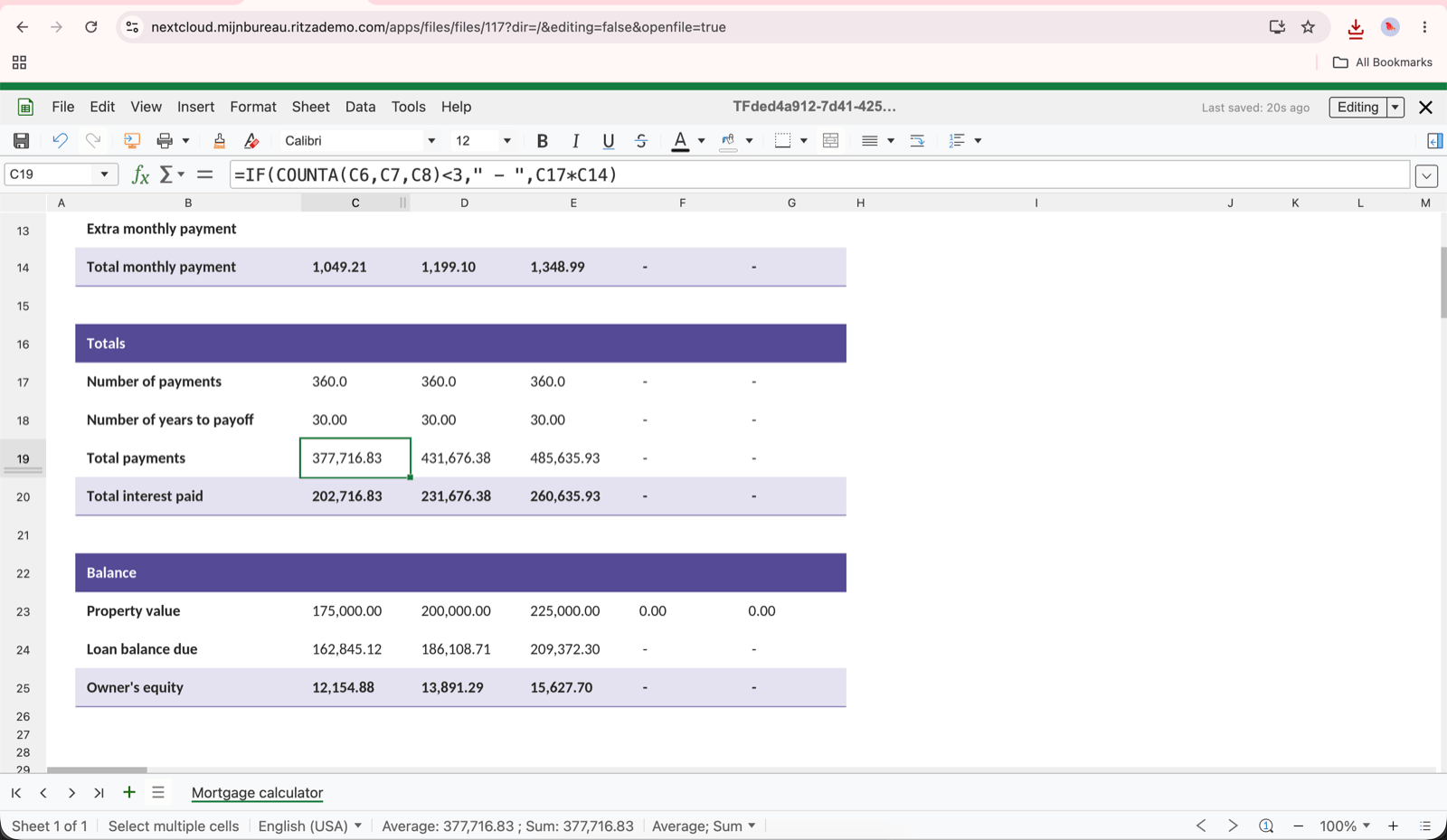
I was impressed when I imported a financial model I'd been working on and everything looked the same. Last time I tried out alternatives to Excel and Google Sheets formatting and formulas tended to break even for very basic documents.
I can't share a screenshot of that one but here's a generic template I downloaded from Microsoft that looks good - you can see the formatting and formulas work as expected.
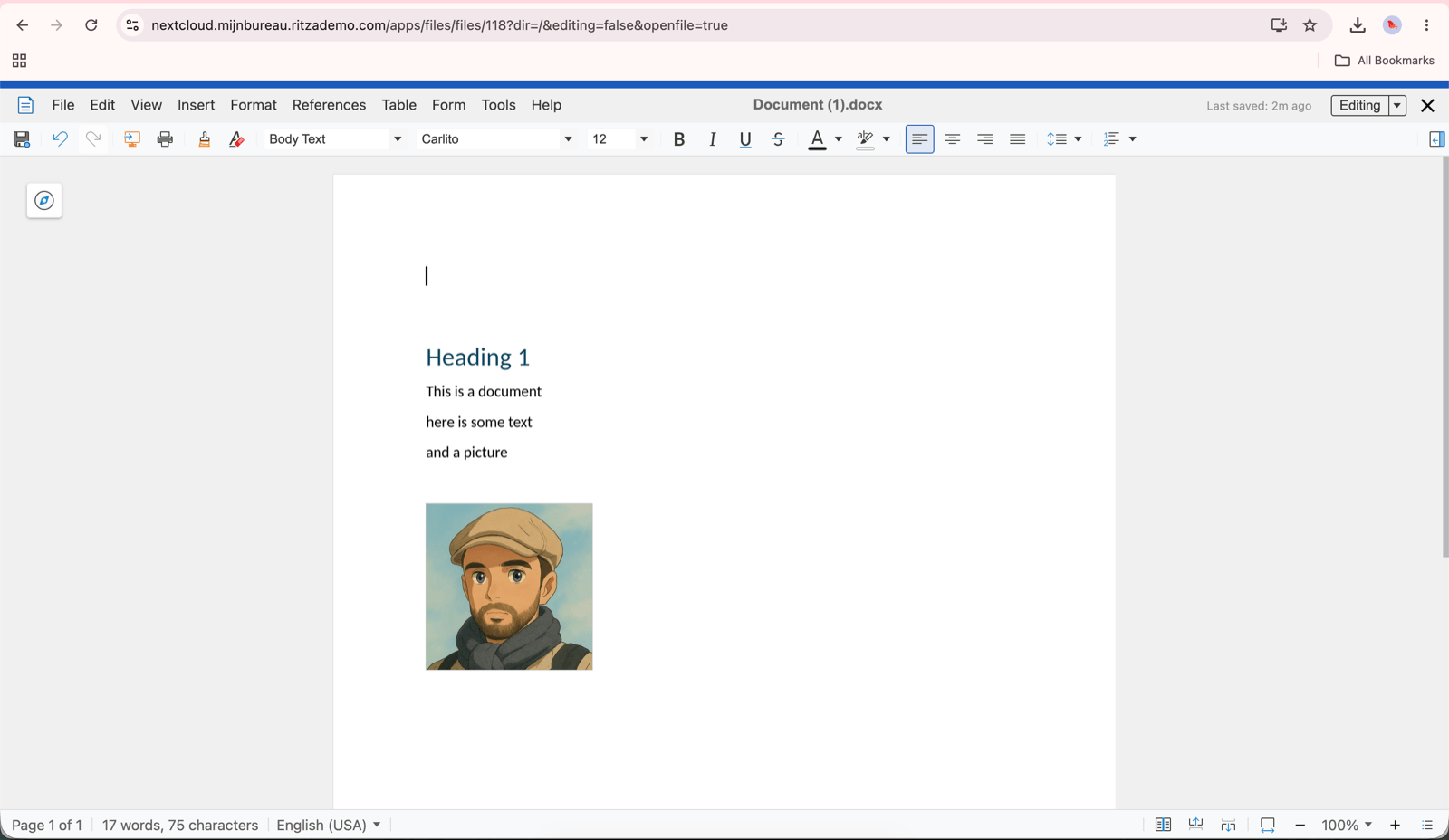
You can do docx files too. They are a bit buggy (I had something where when I tried to type it always typed somewhere else instead of where my cursor was placed) but it also works. I might try it next time I need to open a .docx file that doesn't look right in Google Docs and see if it's any better.
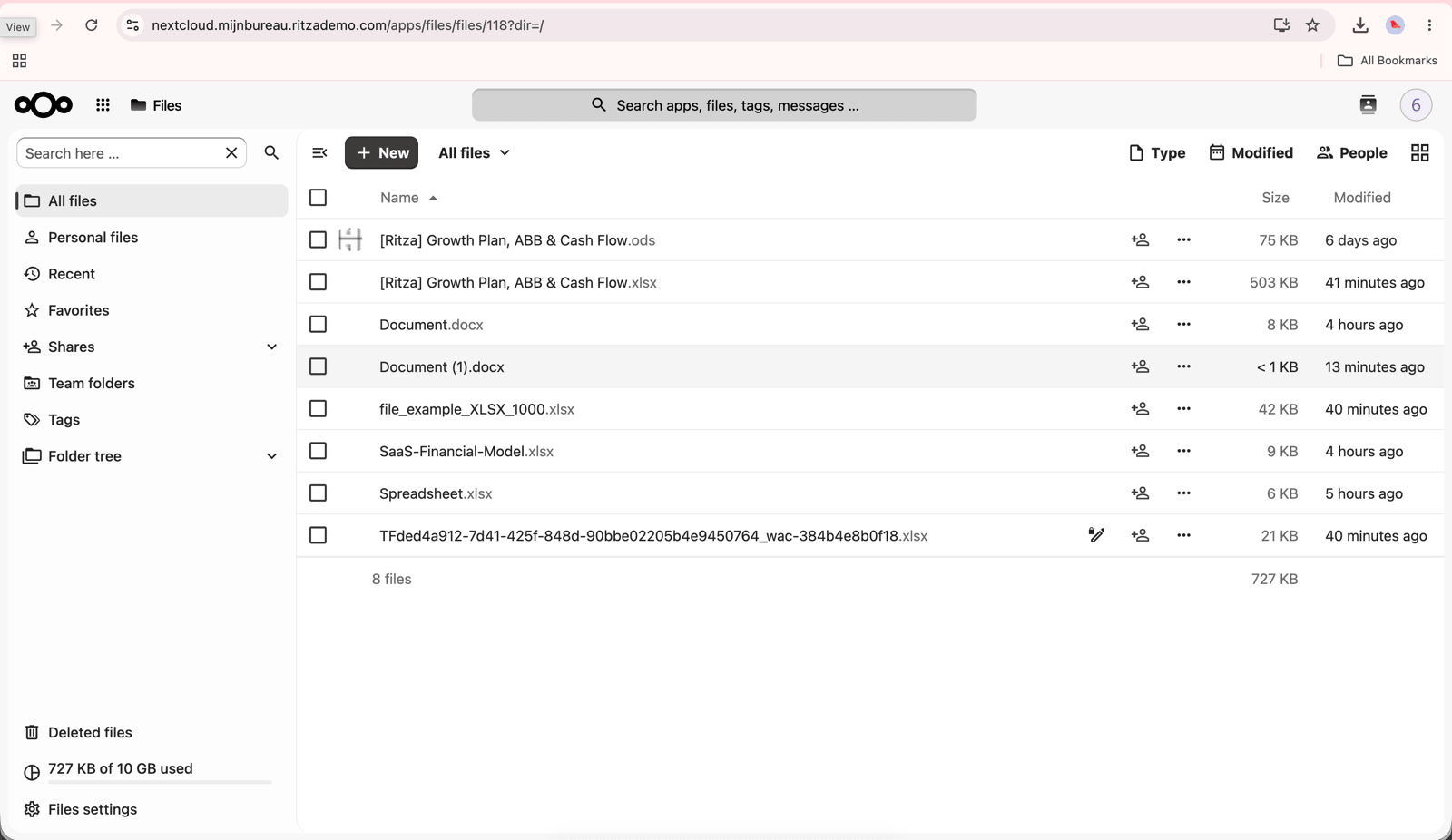
The NextCloud app also works like Google Drive, you can upload files, you get a quota per user, and everything looks more or less like you'd expect if you're used to Google Drive.
So what does this mean?
Well all the pieces are here. The big missing items are
- Email. Probably the hardest thing to self host even if you find good software because getting emails delivered to Google inboxes if you're not Google or Microsoft is a famously hard thing to do
- An Admin dashboard. You can invite people to Keycloak and give them accounts, but there's nothing like admin.google.com to manage users properly, set permissions, and otherwise 'administer' this thing, so for now you or Claude will probably need to be spending some time on configuring things via Kubernetes directly.
There are some other nice things coming like a password manager, and anti virus and project management software already partially exist but aren't fully integrated into the portal yet so I disabled them for now.
I think if you had a high pain tolerance, you could actually use all this stuff today. You'd probably save money on paper (the $60/month machine didn't strain under my testing). I'm interested to see what happens over the next 6 months. It seems to have a very small team behind it for now (good to move fast, bad for longevity), but they're clearly moving in the right direction and have some good ideas. I assume that some businesses will choose to adopt this and that others will make money by managing it on behalf of others. I like the model a lot!
For now, we'll stay on Google Workspace.