
What Is Agent Experience and Why Should You Care?
Agent experience (AX) is a lot like developer experience (DX). There's plenty of overlap: good documentation, good defaults, good error messages; anything that reduces friction and confusion for new and existing users.
But there are also some differences. Agents, unlike humans, are very persistent and don't get bored. So for a human reader, your quickstart guide needs to be short and snappy to show off something that's fun and engaging to build.
For an agent, your quickstart can be 10,000 words of gory details and the agent will gobble it up in a second, ignoring anything it doesn't need.
Why should you care?
As more and more developers discover the power of coding agents, they're using them to start new projects or add integrations to existing ones, not just for coding. So if you're selling a platform, technical product, library, framework, or anything else that you want widely adopted, you need Claude Code et al to:
- Know about your offering: If a dev prompts the agent with something like, "Build a feature that does X," the agent should know that you provide a solution for X and use that solution automatically.
- Onboard without friction: Maybe Claude will ask its human to sign up and get an API key — perhaps to add a credit card — but if the human needs to do anything more than that, like sit through a demo or fill out an access request form, it's probably game over. Claude won't recommend it, or the human will ask for alternatives.
- Use it correctly: If Claude finds outdated documentation or resources and hits dead ends with version mismatches, it's going to throw the whole project away and start over with your competitor
Although some people have success with the black-hat-like tactics of spamming Reddit and mass-producing content aimed at finding its way into LLMs, it's hard to take advantage of the current early stages of generative engine optimization (GEO). It's a fast-moving target; it destroys your reputation once people realize what you're doing, and doing it well isn't much easier than just doing the grunt work to optimize your product and documentation for agents.
How to test your AX
Even if you're not on the agent bandwagon and think it's overhyped (mistakenly, but whatever), many others now use agents as their primary way of interacting with software. Instead of devs looking at your landing page, reading your documentation, or asking their network for advice on what to use, it's all just Claude Code: "What should I use?"; "Can you sign up for me?"; and "Please integrate it into my project. Make no mistakes."
So you need to play-act as another developer with an agent and see how well your product fares with it. Does the agent know about you? Can it sign up with minimal help from its handler? Does it default to using the product correctly or does it need hand-holding?
Checking your discoverability
There are several tools out there that monitor your LLM visibility by automatically searching for several keywords related to your offering and tracking how often you're mentioned. It's easy enough to build something like this yourself and it only costs a few cents per month in API credits to run constantly.
Alternatively, just do it by hand to get an initial feel. Put yourself in the shoes of a developer who doesn't know that you exist. What problems do they have? What are they asking Claude?
Let's use headless browsing as an example. Agents are much more powerful when paired with a browser, and running your own infrastructure is a pain.
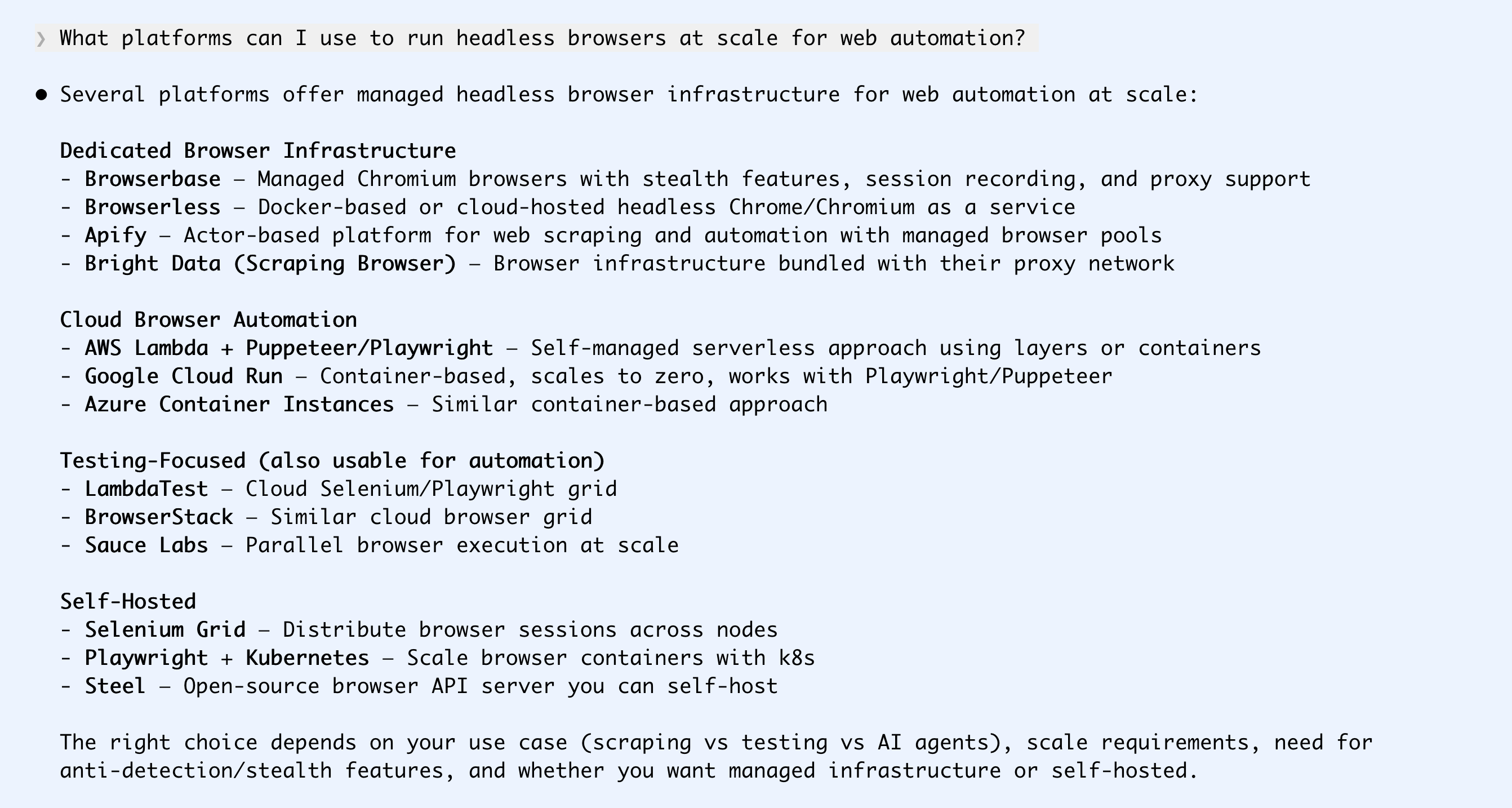
If you're not mentioned at all, you've got a lot of work to do.
Maybe a developer tries one platform, but they dislike it or run out of free credits.
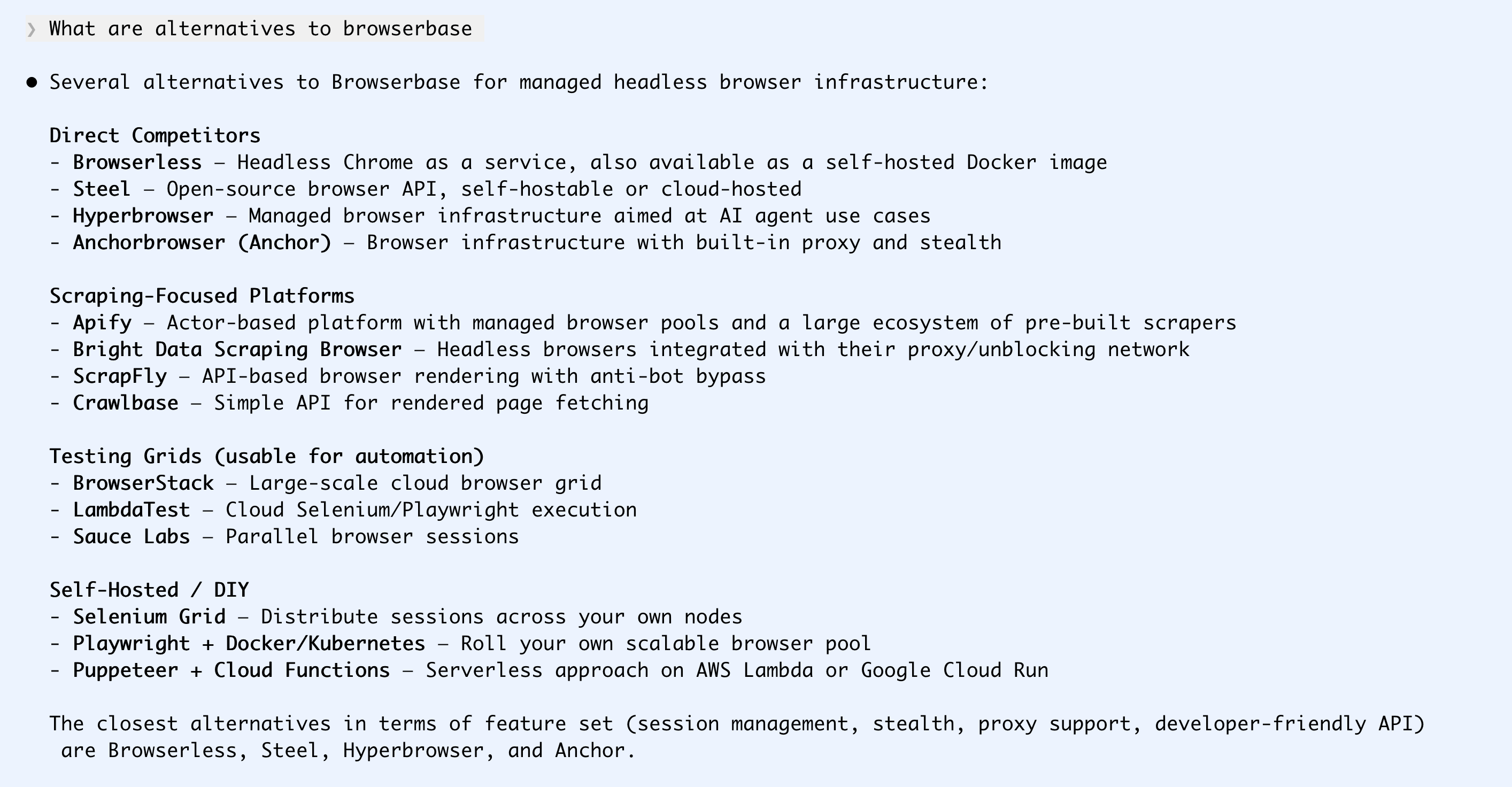
Do agents know how much you cost?
Pricing can get very complicated. Agents can probably understand what it means if you charge 0.00004c/CPU-memory-quantum-second (or however your sales team thinks about your product), but humans asking for a summary prefer it when their agent can just say "$5/month" or "$2000/user/year".
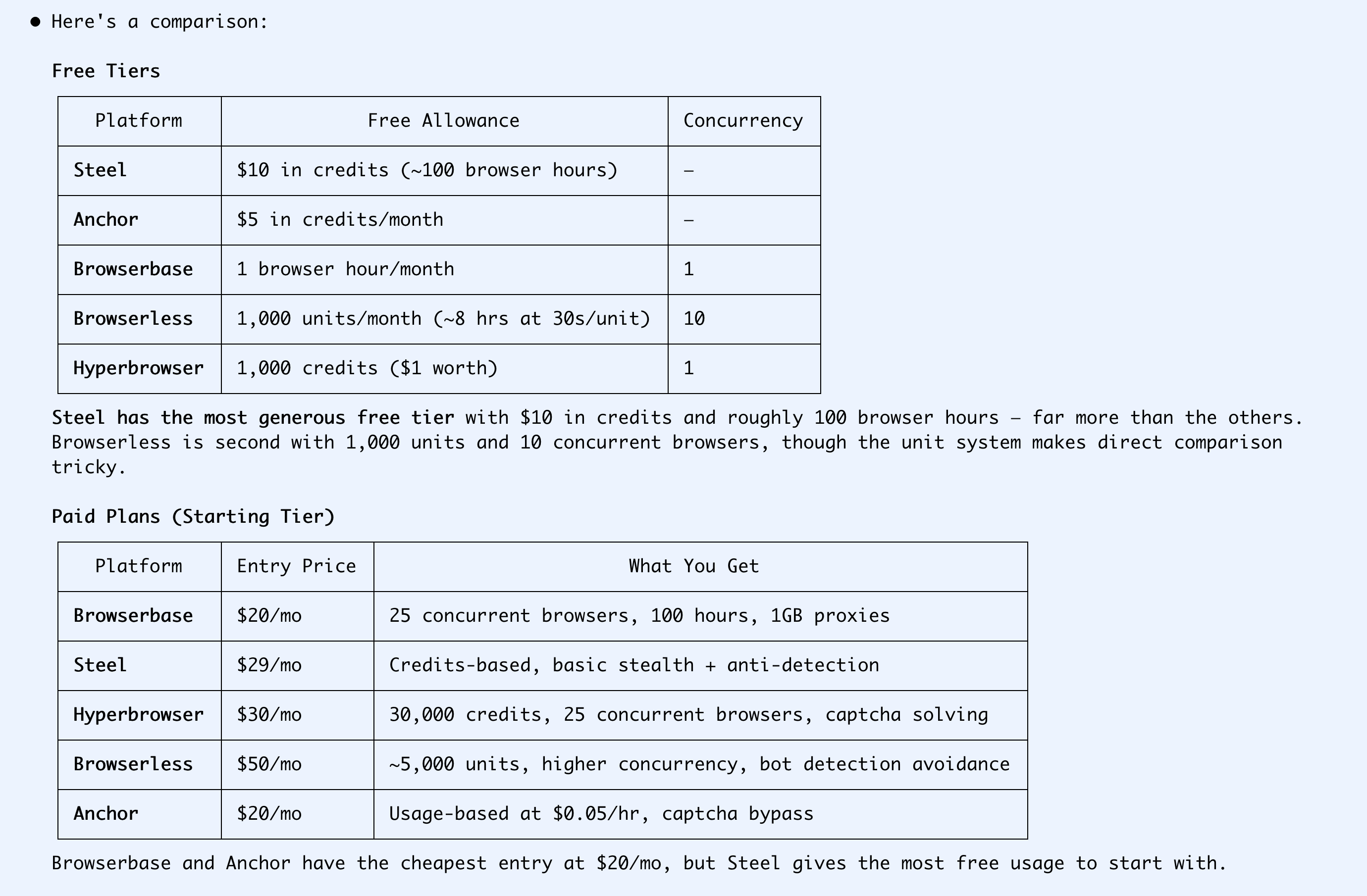
I hadn't heard of Steel before running this query. But its pricing of 10 cents per hour is the most understandable option for my agent and me, so I go with that one.
Here's the pricing page the agent picked this up from:
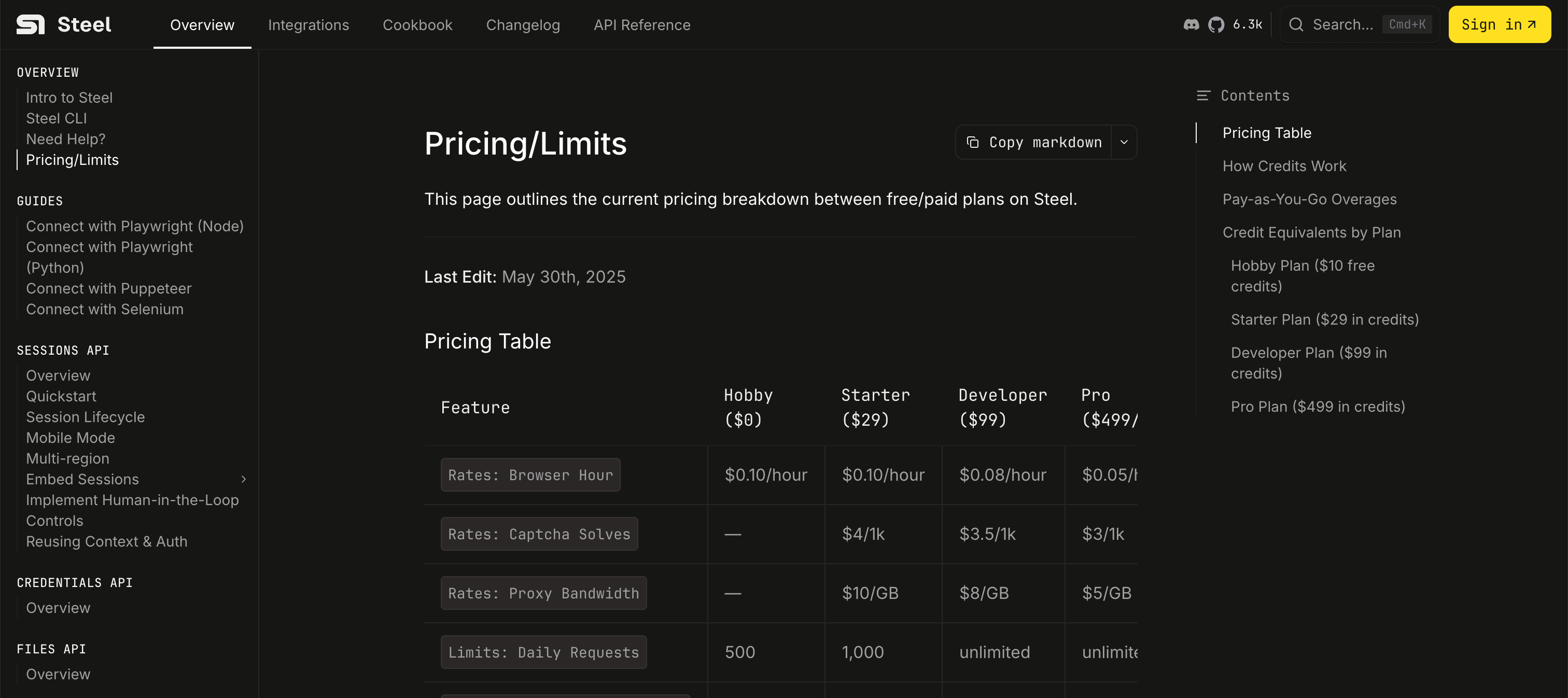
So I made my decision based on discoverability. Now let's see about onboarding.
Signing up is usually still more about DX than AX
Generally (for now at least), it's still going to be a human who visits your sign-up page.
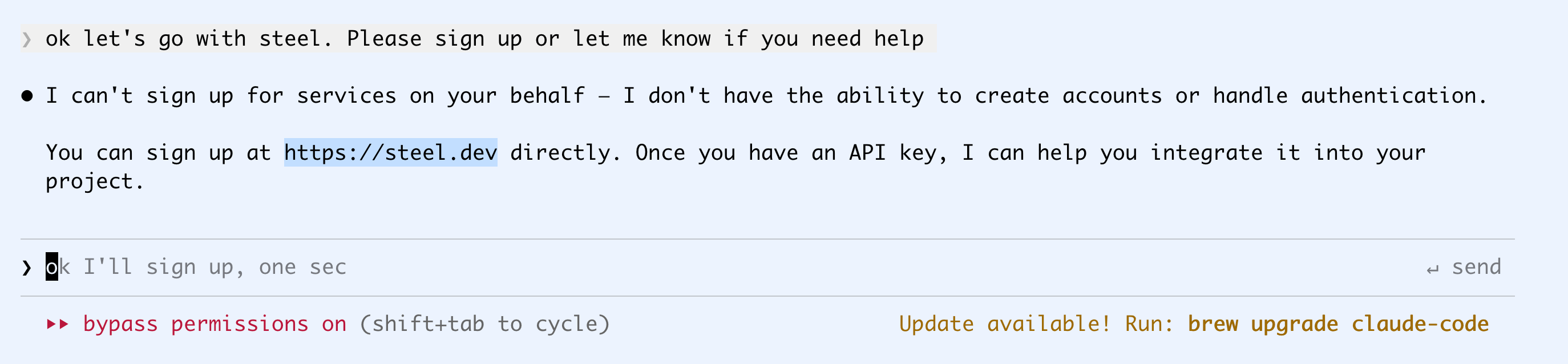
Steel has clearly thought this through. The homepage has a Start For Free button, which goes to a sign-up page with a Continue with Google button. One more warning from Google, a registration form with a Skip button, and then I'm directly on a page where I can generate and copy an API key.
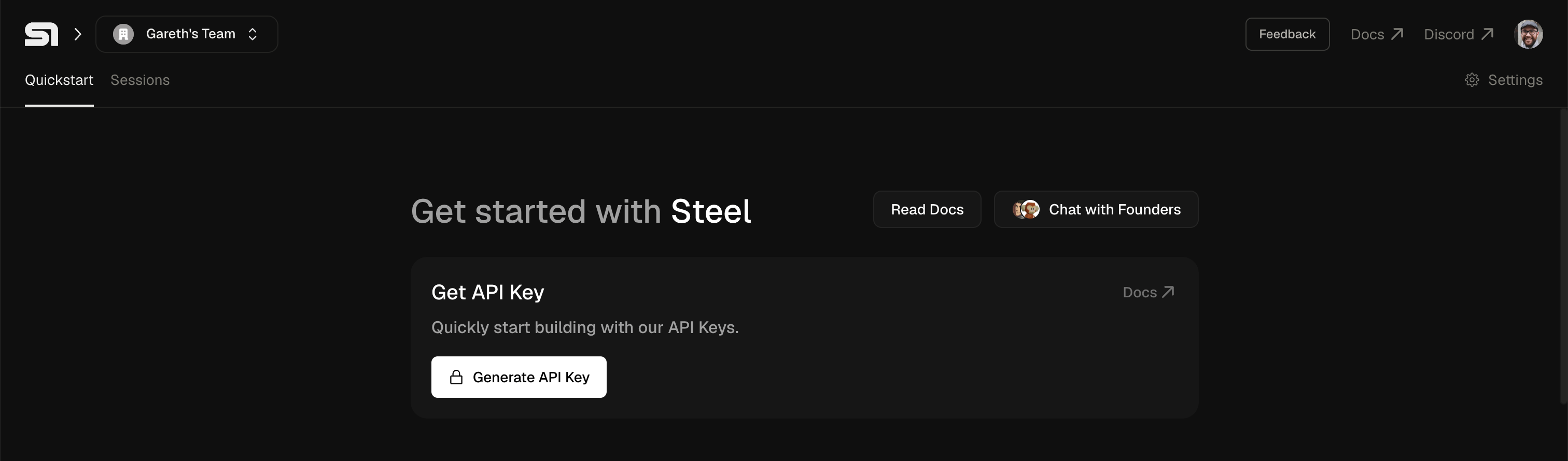
Quickstart
Now let's see if the agent can actually use this thing. Before, I would usually run through a quickstart guide or do the simplest possible thing with a new product or platform to see if it does what it says on the tin. For remote browser stuff, that's probably screenshotting a page.
I create a folder called s-demo, add a .env with my API key, and ask Claude to take it from there.
❯ ok I've put the key in s-demo/.env as STEEL_API_KEY, please work in that dir and use
  it to take a screenshot of my homepage https://dwyer.co.za and save it to that folder
No issues there. In about one and a half minutes, it's figured out the 50 lines of Python it needs to open a WebSocket connection to Steel and take a screenshot of my homepage.
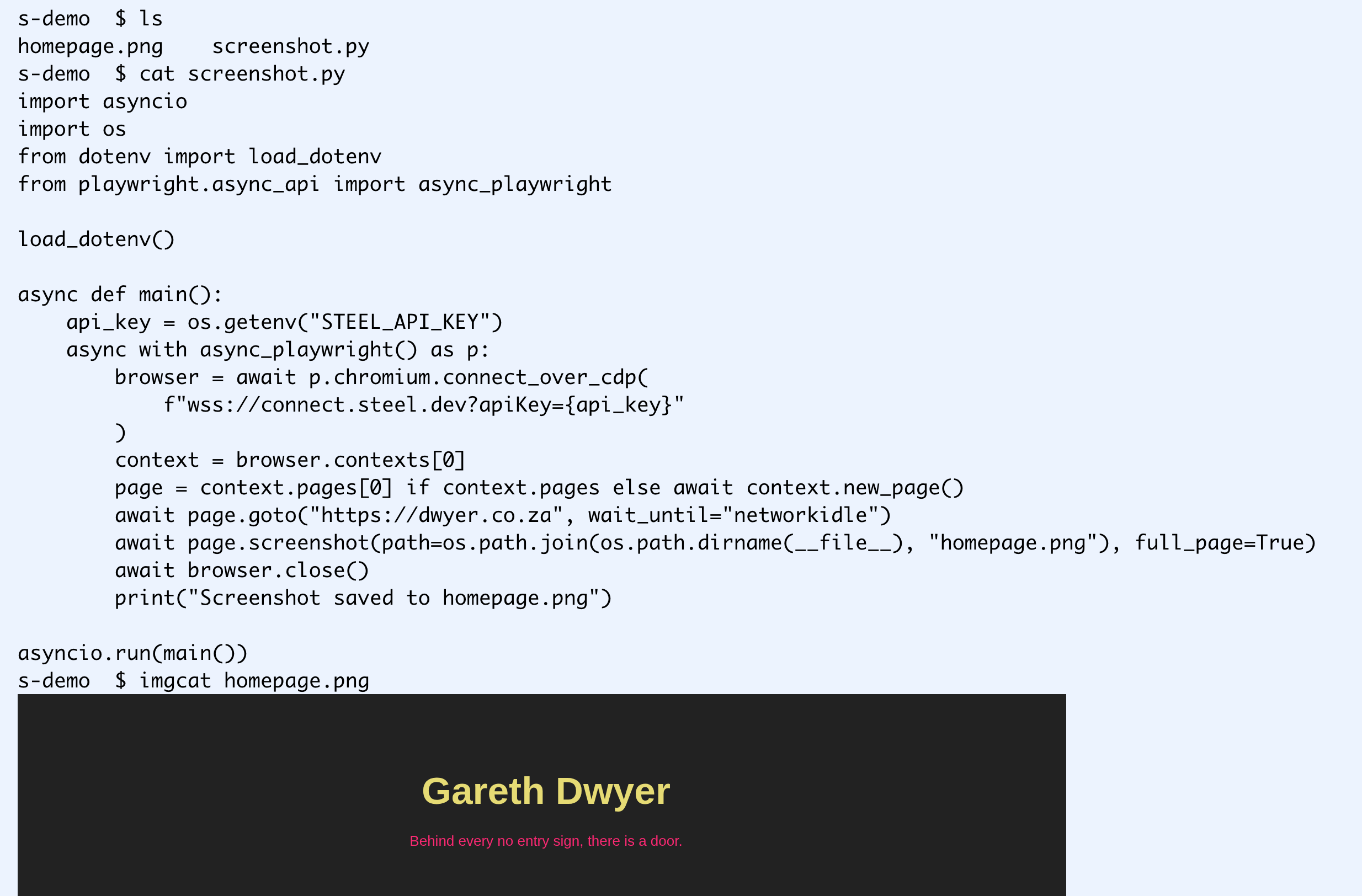
In the Steel dashboard, I can see the session it created, and that I've used $0.01, with $9.99 left. Let's try something more ambitious.
Proof of concept
A screenshot was perhaps too easy for a meaningful test. Let's see what happens if we try to navigate a dynamic website like Skyscanner:
❯ ok great it worked. Now please search skyscanner for flights from Europe to South Africa
  for October - December 2026.
  I don't care about the cities or exact dates, but the total trip should be around 90 days,
  and not more than that.

The agent is actually upselling Steel's paid plans to me! Note that it's narrowed the competitors down to two recommended alternatives, Browserless and Anchor. Discovery can be more subtle than purely top-of-funnel queries.
I haven't actually tried CAPTCHA solving before, so I'm curious enough to put in my card details for a $29 charge and to mess around with this some more.
I told Claude I upgraded and asked it to try again.
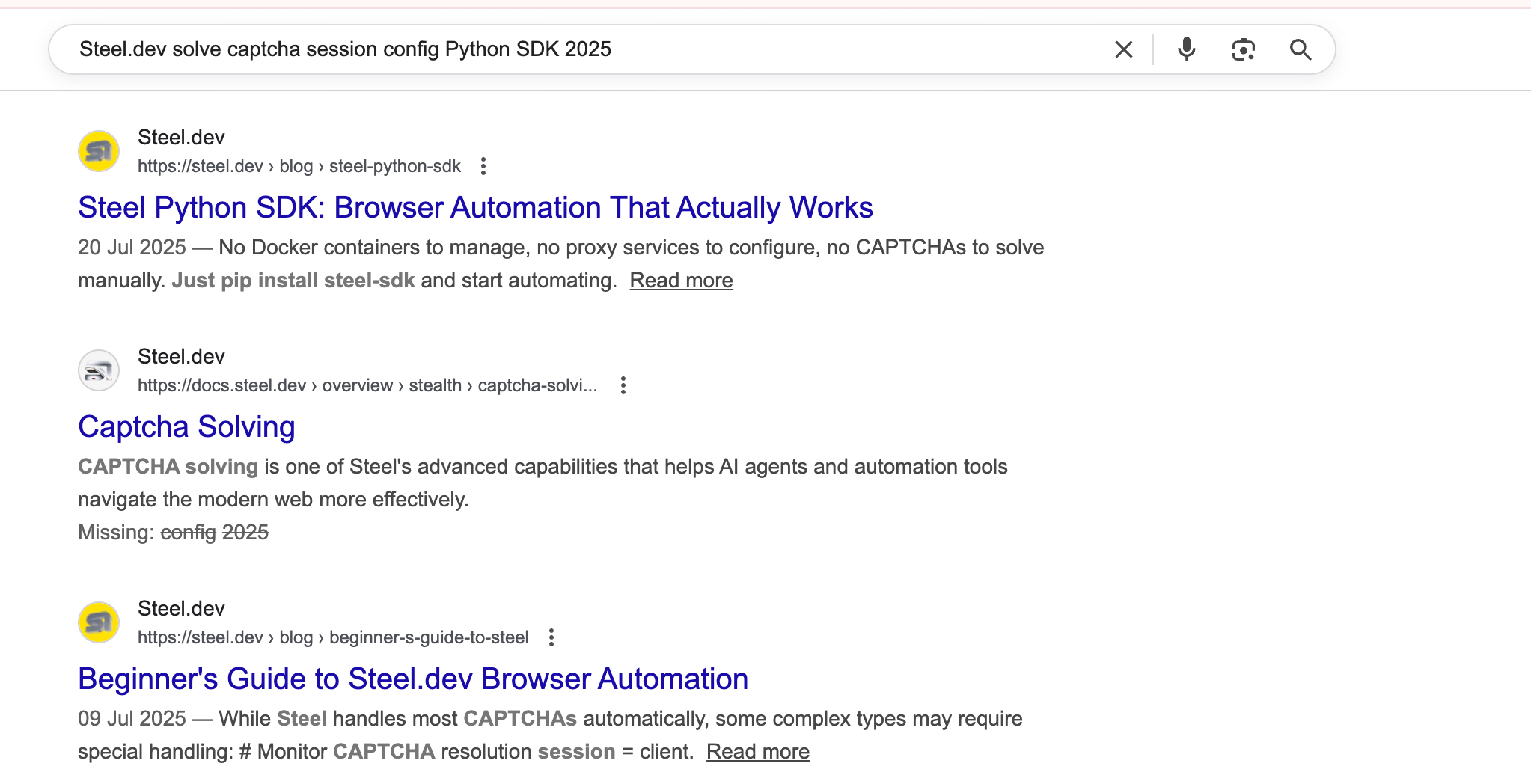
Note that agents generally do much longer web searches than humans. While a human would have searched for something like Steel captcha, Claude does Steel.dev solve captcha session config Python SDK 2025 (another typical agent pattern is thinking some date in the past is current).
Steel wins with the AX again here, as they feed my agent two detailed and relevant blog posts as well as some docs for this query.
If I read the docs I found above, I notice that they mention only solving standard CAPTCHAs. Press and Hold sounds like a custom one to me, but I don't know that much about CAPTCHAs.
Indeed, after trying with the solving-CAPTCHAs-enabled flag, I still get blocked:
⏺ Still stuck on the captcha page for all of them. Steel's captcha solver isn't handling
  Skyscanner's "PRESS & HOLD"  challenge — this is a custom bot detection (not a standard
  CAPTCHA like reCAPTCHA or hCaptcha), so automated solvers typically can't handle it.
I tell it that Press and Hold seems like a pretty simple CAPTCHA, and it spends some time trying to 'manually' solve it by adding jitter to the Playwright script.
In the meantime, I start another instance of Claude and ask it to mass-search Google so we can test out the automatic solving too.
❯ I'm trying out Steel in the s-demo project, please look at that and then use it to search
  Google for 'best browser automation platform' and 30 related keywords and create a CSV
  dataset of the top three hits for each search
It doesn't seem to have luck with that either. But in the Steel web console, I can watch it trying live, which is pretty cool.
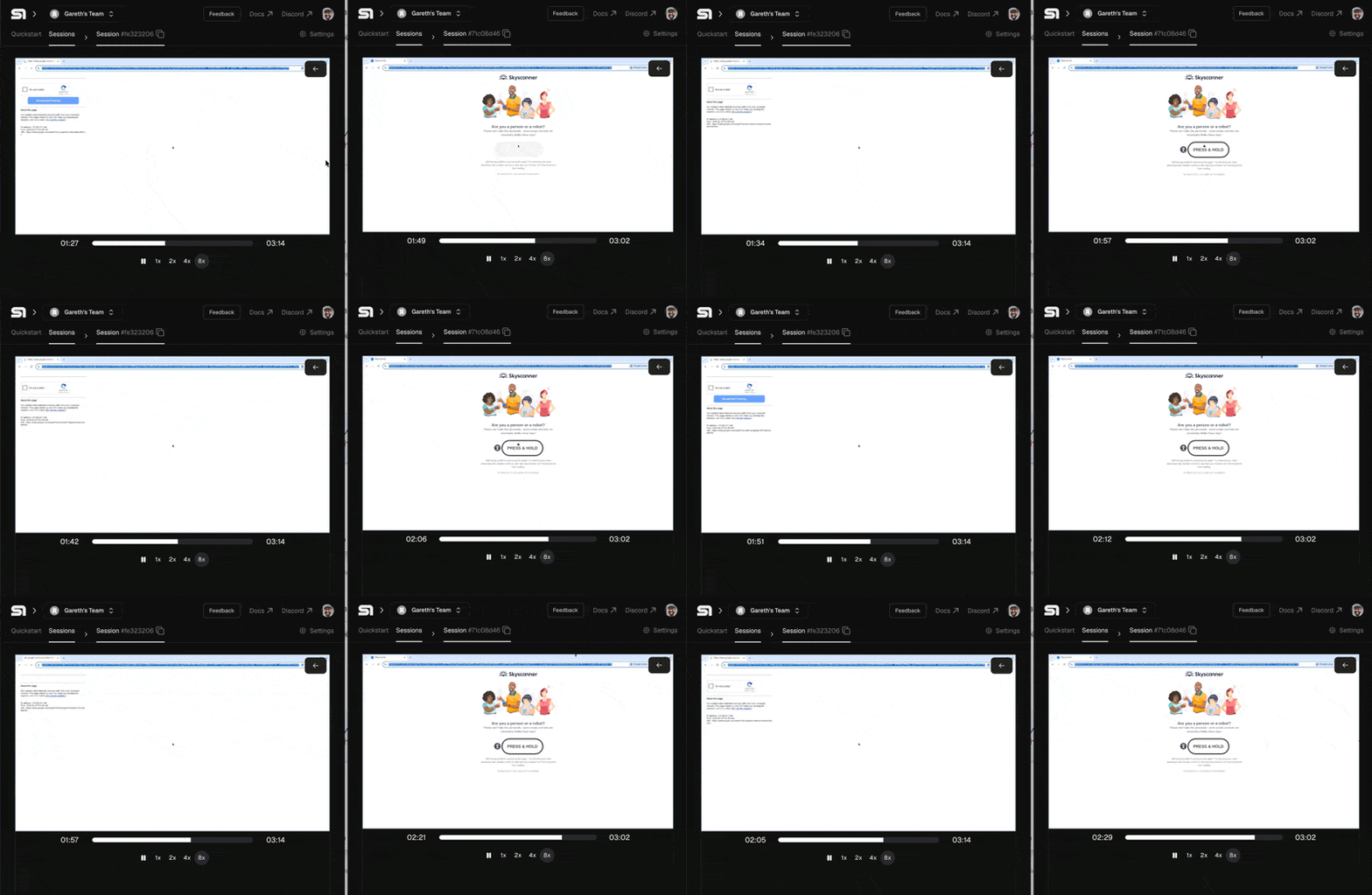
A tale of two CAPTCHAs
Both instances of Claude run for over half an hour. I'm used to Codex sessions running on their own for this long, but it's unusual for Claude in my experience.
It gets through Google's CAPTCHA first, while I'm watching live.
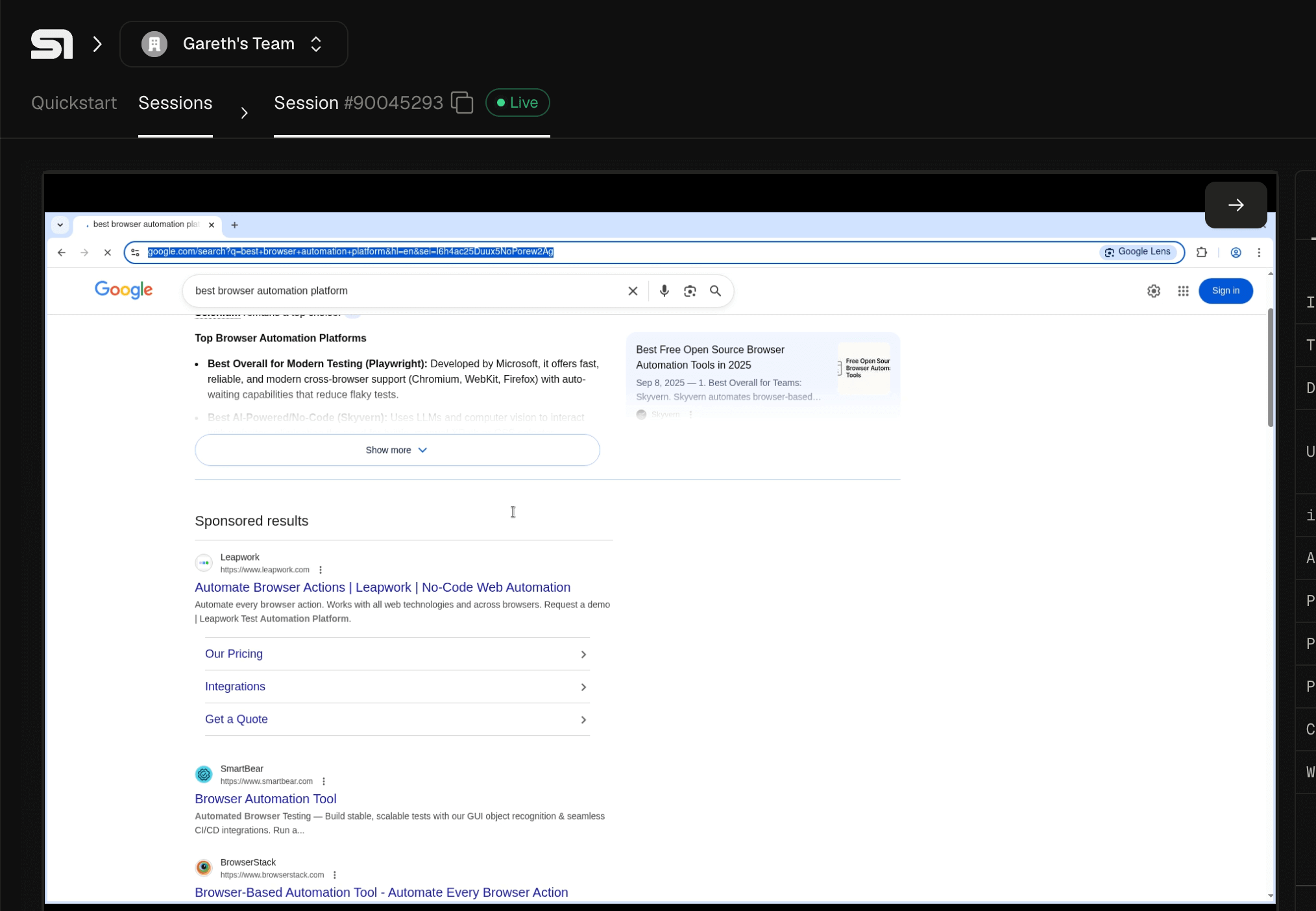
Solving Google CAPTCHAs
Claude takes another 27 minutes to create the dataset I asked for. Here's another point where human and agent experience differ.
⏺ Good progress - it got 12 keywords before the Steel session timed out. The session likely
  has a time limit. Let me add reconnection logic to handle session expiry, and also save
  results incrementally so we don't lose progress.
Probably (though maybe not), a human would have read the docs in the intended order and seen the 15-minute session limit. The agent just dives right into the CAPTCHA-solving guide, where the limit isn't mentioned. A more experienced human might have primed the agent first, asking it to read through the quickstart and general info docs, but many would have done exactly this.
Anticipating problems like this, you can err on the side of longer docs (for example, adding a note to the CAPTCHA-solving docs like, "Note: CAPTCHA solving can take a while. Keep in mind the 15-minute session limit for browsers.") to help agents, while allowing humans to skip over extraneous information.
As a bonus, I ask Claude to summarize the information from all the web searches it conducted while testing CAPTCHA solving. Interestingly, Steel doesn't get a single mention here, showing its GEO is much better than its SEO, but they got my $29 anyway.
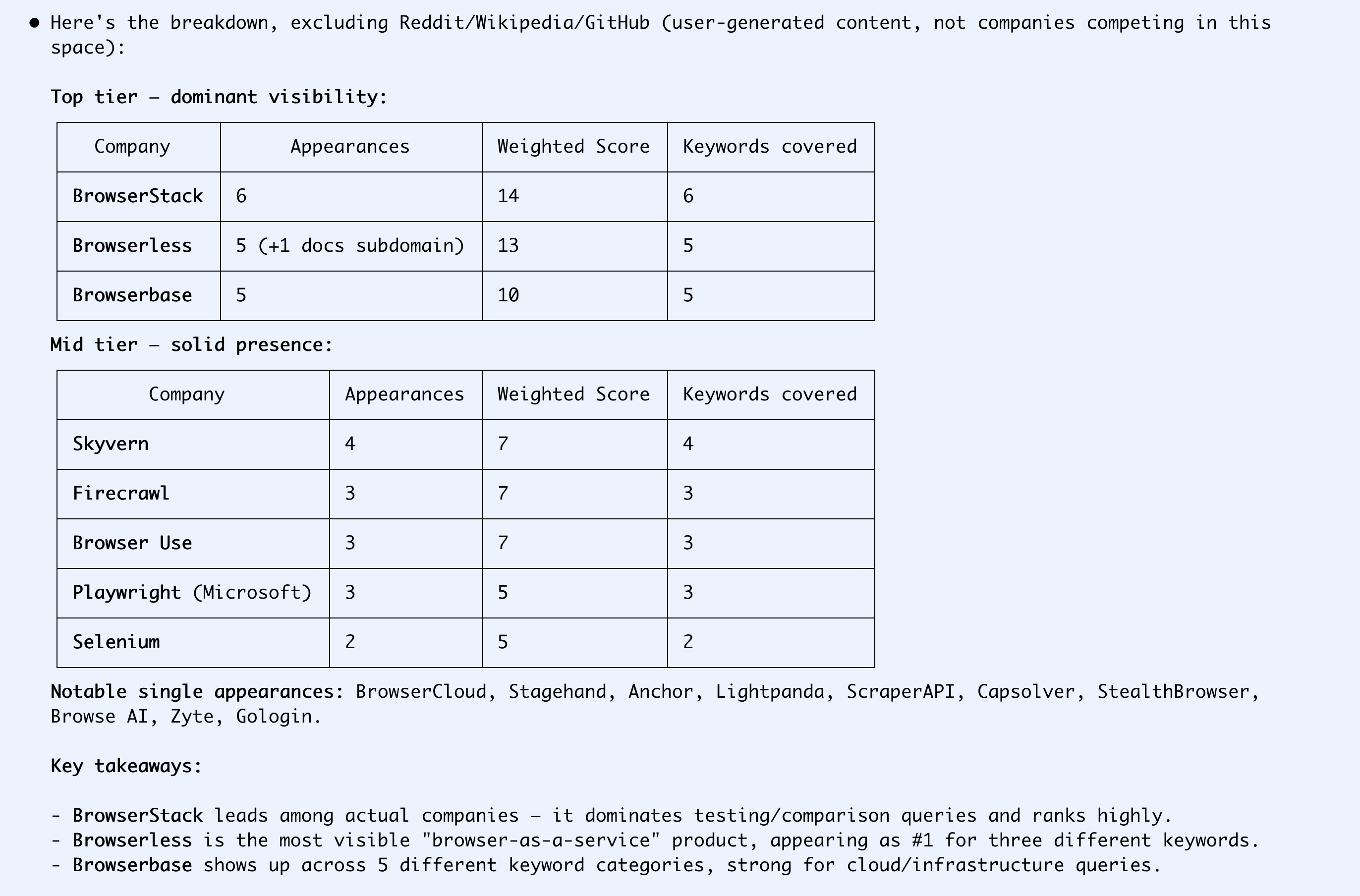
Solving Skyscanner CAPTCHAs
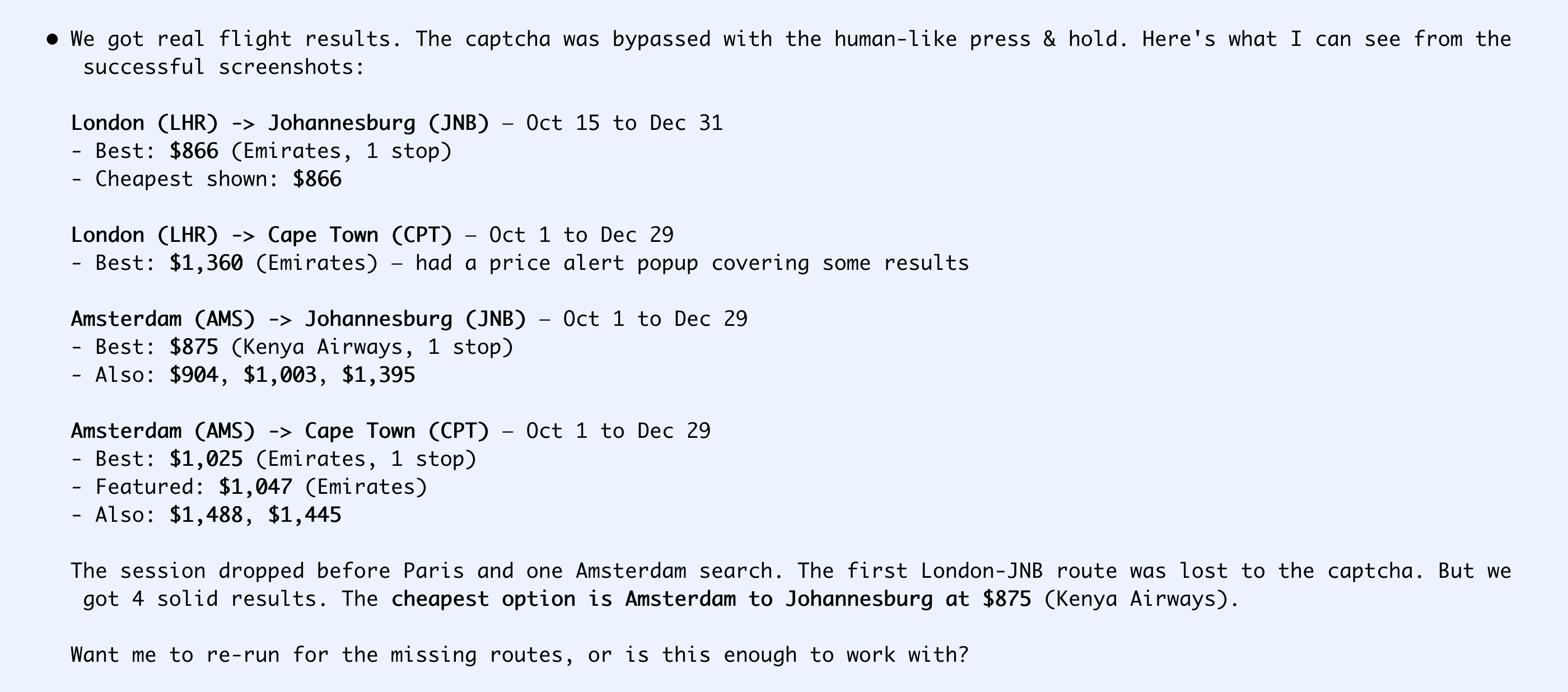
Skyscanner has a simpler CAPTCHA but it's not part of Steel's automatic solving, so it took longer. Claude beat its head against it in collaboration with Steel for 45 minutes, trying different ways of selecting the CAPTCHA element and adding jitter to behave like a human would. Eventually it figured it out.
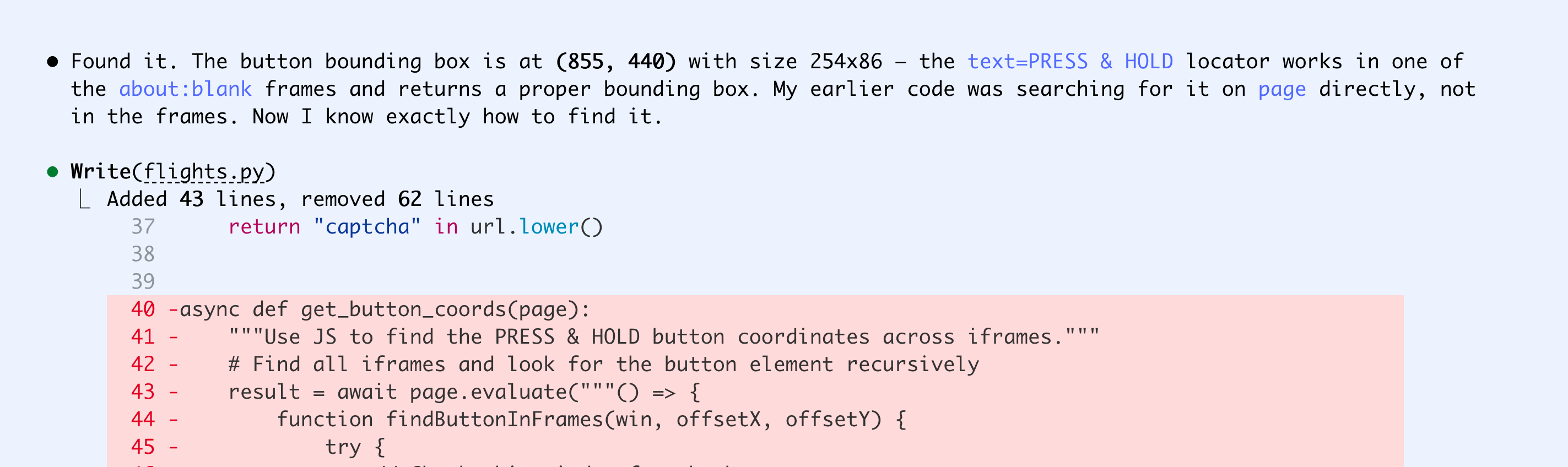
It got some basic data, but also ran into the time limit and gave up. I don't actually care about the data here, because I can more easily get it from Google Flights (time to short Skyscanner?), but the ease with which I built POCs for the Google and Skyscanner use cases is good enough for me: I'd happily pay Steel if I needed this for a production use case now. And I didn't know they existed until I started drafting this article.
Predictions
I expect companies to start caring a lot more about AX in 2026, but it will take them a while to figure out which stages (discovery, onboarding, or usage) are most important for them. I expect they'll try to take shortcuts to gain their way into the hearts of agents, but the companies that double down on building high-quality docs, smooth sign-up flows, and non-slop content that earns natural mentions from tech communities are still going to dominate.